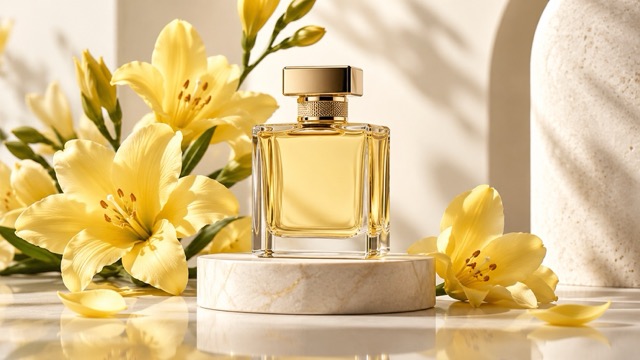
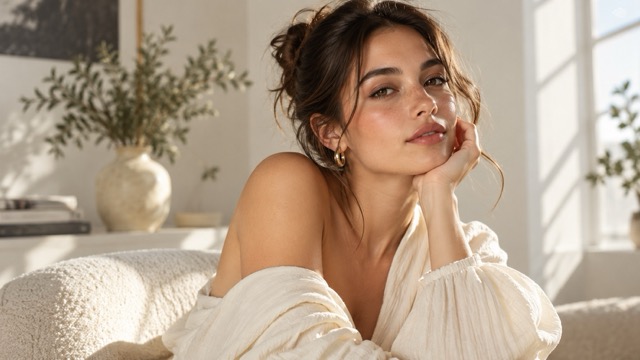
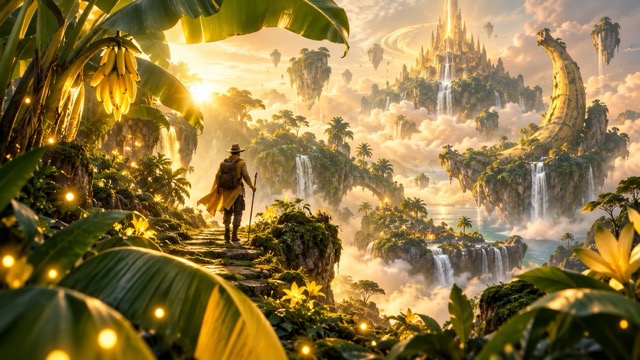
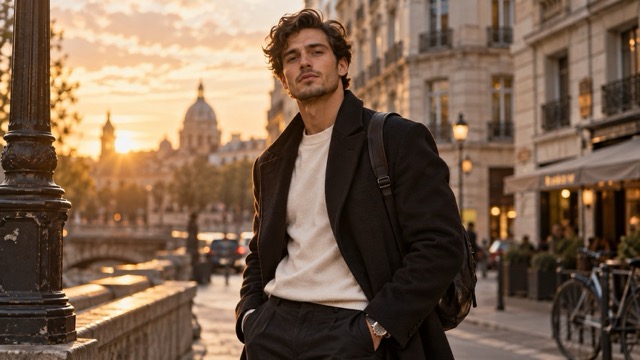
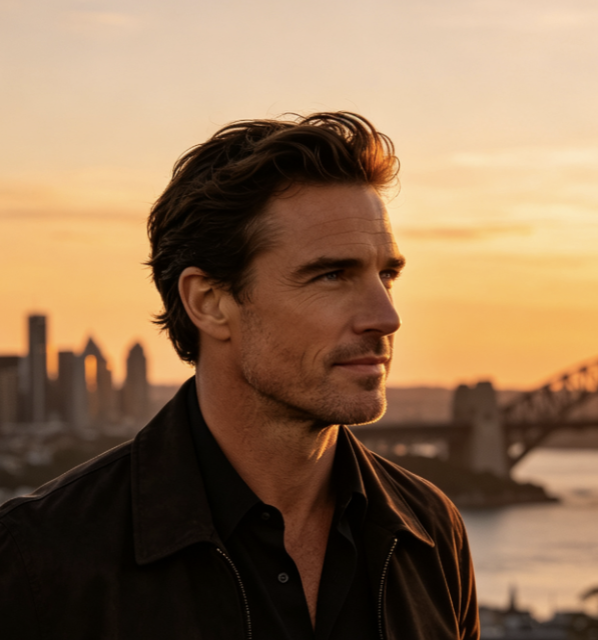
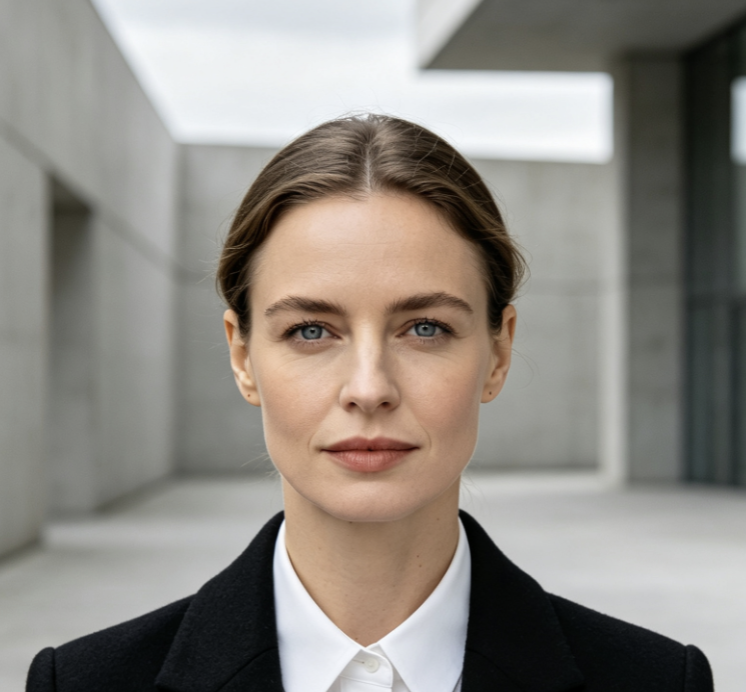
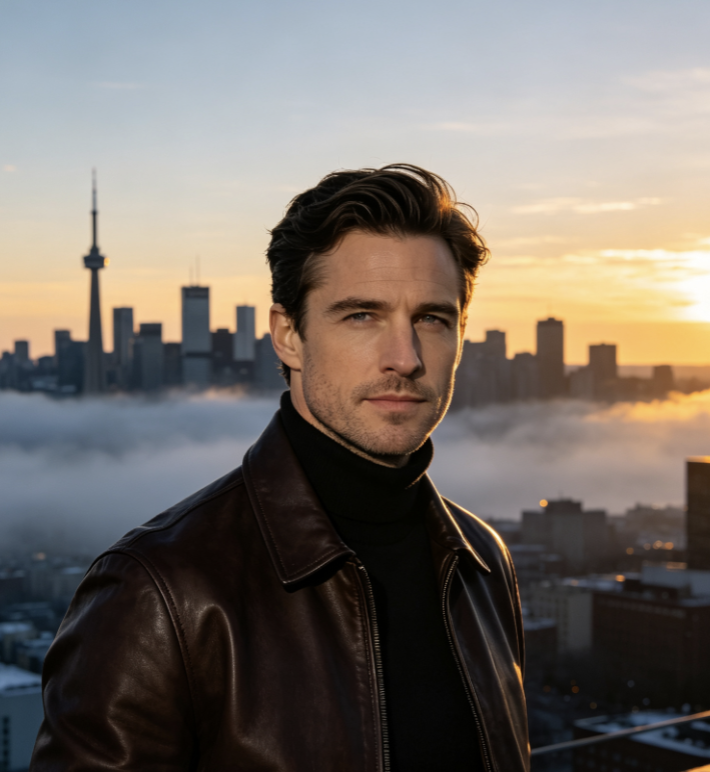
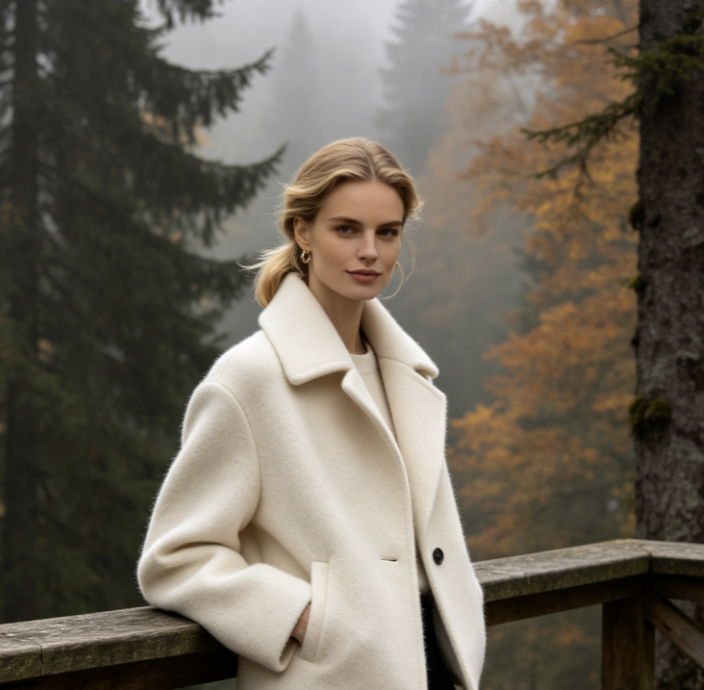
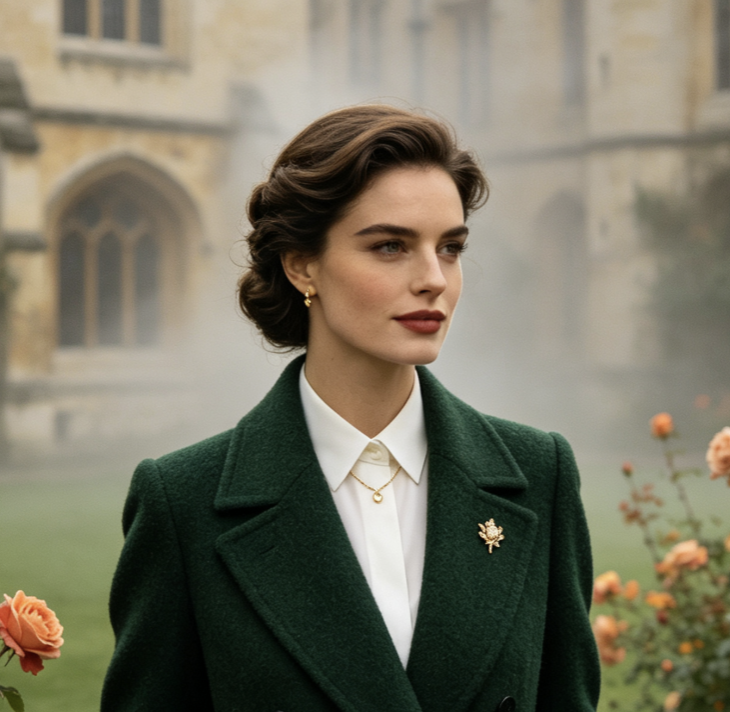
Explore three campaign directions: studio, lifestyle, and graphic compositions. Use the Nano Banana 2.1 AI Image Generator to develop drafts, then compare how clearly each communicates your message before selecting a direction.

Bring your ideas into focus, then refine the details that matter.
Turn ideas into visuals with Nano Banana 2.1. Generate images, guide compositions with references, and refine pictures through natural-language instructions. From product campaigns to characters and editorial artwork, connect creation and revision in one workflow. Describe your subject, setting, and style, then develop the result through focused changes.

Move from a clear brief to a useful draft, then make deliberate revisions. Tell Nano Banana 2.1 what should change and what should remain recognizable. Check the reference, editing, and output controls available before starting.

Give the Nano Banana 2.1 AI Image Generator a clear subject, environment, composition, and style. Specify lighting, camera angle, colors, and mood. For example, request a skincare bottle on pale stone with soft window light and space for a headline. Add references when supported.

Review your draft, then use the Nano Banana 2.1 Image Editor to change backgrounds, adjust clothing, simplify scenes, or refine details. Explain what should change and what should stay the same. Make one focused revision at a time to evaluate its effect.

Check faces, product shapes, lettering, and composition at the intended display size. For Nano Banana 2.1 Character Consistency, compare results with your reference. Choose available output settings and confirm image rights and platform terms before publishing campaign assets.
Nano Banana 2.1 combines generation and conversational editing, with improved visual quality, typography, and multi-turn consistency. Establish your scene, refine details, preserve important subject features, and check the result against your brief.

Explore visual directions from written prompts without starting with a finished photograph. The Nano Banana 2.1 AI Image Generator helps develop editorial illustrations, lifestyle scenes, product concepts, and campaign artwork. Describe your subject, composition, lighting, materials, and style, separating essential requirements from optional details. Your first image can establish the framing and atmosphere rather than serve as the final asset. Use Nano Banana 2.1 to compare directions, choose a promising composition, and refine it. Judge each result by how well it communicates your message, not just its visual appeal.

Refine an existing image through plain-language changes instead of restarting every revision. The Nano Banana 2.1 Image Editor supports instructions for replacing backgrounds, adjusting outfits, and changing visual mood. Where available, masks help indicate the editing area. Explain your change and identify protected details, such as a face or product silhouette. Nano Banana 2.1 improves editing control, but results may affect nearby areas or miss instructions. Compare before and after images, especially when packaging, brand marks, or precise geometry must remain accurate.

Build related images around a recognizable subject. Nano Banana 2.1 Character Consistency supports recurring presenters, fictional characters, and connected visual stories. Provide clear references and specify important features, including hairstyle, facial characteristics, clothing, and accessories. Separate identity requirements from changes in pose, setting, or lighting. Nano Banana 2.1 improves multi-turn consistency without guaranteeing identical results. Compare images side by side and correct visible drift before assembling a series. For products, also inspect labels, proportions, and materials rather than relying on overall resemblance.

Combine illustration, visual hierarchy, and short text elements. Nano Banana 2.1 improves text rendering and high-resolution generation for poster concepts, promotional graphics, and explanatory visuals. Specify exact wording, placement, and focal elements. Keep text brief and allow room for final typography adjustments. Model-level resolutions include 1K, 2K, and 4K, while platform settings may differ. Check spelling, numbers, and factual claims. For information-heavy designs, use Nano Banana 2.1 to establish the visual direction, then finalize the copy in your design workflow.
Use Nano Banana 2.1 to explore ideas, refine drafts, and build related assets. These suggested applications are not measured customer outcomes. Choose a workflow that fits your project, then review accuracy, suitability, and consistency.

Explore products in studio, seasonal, or lifestyle settings. Guide Nano Banana 2.1 with a product reference and describe materials, lighting, and composition. Use concepts to discuss creative direction. Before publishing, inspect packaging, logos, proportions, and colors to avoid misrepresenting the product customers will receive.

Develop visual directions for launches, promotions, and recurring content. The Nano Banana 2.1 AI Image Generator establishes a campaign look, while edits explore different settings. Keep the message and style consistent. Check mobile framing and text readability after cropping, resizing, and placement on your destination platform.

Explore a recurring character across settings, outfits, and story moments. Guide Nano Banana 2.1 Character Consistency with references and a brief naming distinctive features. Change scenes while preserving identity instructions. Review the series for facial drift, accessory changes, and discontinuities before assembling a storyboard or publication.

Translate an article or website message into a focused visual. Specify a clear subject, negative space, and suitable composition. Use the Nano Banana 2.1 Image Editor to remove distractions or adjust atmosphere. Verify explanatory graphics and add descriptive alternative text when publishing final images.
Explore illustrative Nano Banana 2.1 workflows, not customer testimonials or verified endorsements. Role labels describe example users, not real individuals. Adapt these starting points to your briefs and quality checks.

Explore three campaign directions: studio, lifestyle, and graphic compositions. Use the Nano Banana 2.1 AI Image Generator to develop drafts, then compare how clearly each communicates your message before selecting a direction.


Use a product reference to explore a new environment while preserving recognizable packaging and shape. Inspect labels and proportions at full size. Revise inaccuracies or return to the original photograph when needed.


Develop a reference-led character across several environments. Evaluate Nano Banana 2.1 Character Consistency through facial features, hair, clothing, and accessories. Select strong results and correct differences before assembling your story.


Identify one useful change in an existing composition. Ask the Nano Banana 2.1 Image Editor to revise it while preserving named elements. Compare versions before continuing so each edit has a clear purpose.


Turn an article's main idea into a visual brief with headline space. Check for misleading details and clutter. Finalize typography separately when exact wording, accessibility, or publication standards require precise control.

Learn what the model does and what needs review. Platform settings, usage limits, and access may differ from Google's documented model capabilities.
Nano Banana 2.1 is Google's high-efficiency image generation and conversational editing model, updating Nano Banana 2. It improves visual quality, prompt adherence, typography, and multi-turn consistency. Create images from written briefs or refine existing pictures through further instructions. Its API identifier is gemini-nano-banana-2.1.
Turn a focused idea into a promising draft, then refine what matters. Connect generation, conversational editing, and reference-guided consistency in your workflow. Check available settings, bring your brief, and start exploring your next visual direction.