


One brief, many directions
Turn one concept into cinematic, commercial, social, or experimental video directions without rewriting the creative goal from scratch.
prompt → reference → motion → review

MAGI-2 is a video generation model for creators, marketers, designers, and developers exploring text-to-video and image-to-video workflows. Use this SeeAPI landing page to understand the MAGI-2 AI video workflow, preview representative motion footage, and plan your next generation with a clear creative brief.
Move from a rough idea to a reviewable video direction in three steps. The available controls and output limits depend on the active MAGI-2 endpoint.
Describe the subject, action, setting, camera movement, lighting, mood, and intended format. Specific prompts give MAGI-2 a clearer direction for AI video generation.

When your workflow starts from an image, use an image-to-video brief to explain what should move, what should stay consistent, and how the camera should travel through the scene.

Watch the generated clip, compare it with the brief, then refine the prompt, reference, pacing, or composition for the next MAGI-2 video generation attempt.
These examples show the kinds of video work a modern AI video model can support. Treat the footage as representative creative references and verify the live MAGI-2 endpoint before making production commitments.
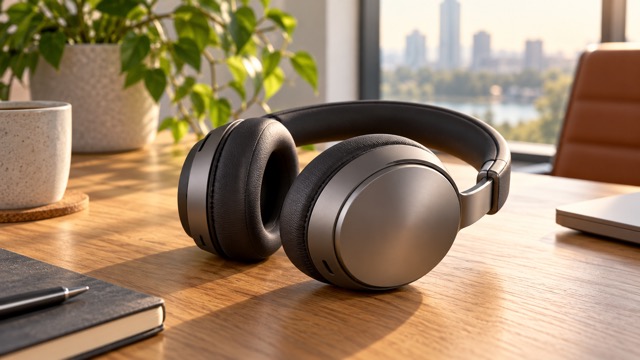
Use MAGI-2 text to video prompts to explore story beats, camera language, product moments, cinematic environments, character actions, and short-form video ideas. A useful brief identifies what the viewer should see first, how the scene changes, and where the shot should end.

Start from a still image when composition, character identity, product shape, or art direction already matters. Add motion instructions for the subject, background, camera, and transitions so the MAGI-2 image-to-video workflow has a clear visual anchor.
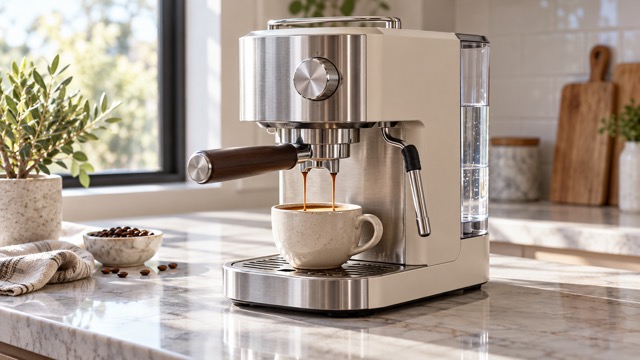
Plan vertical social video, square feed content, widescreen explainers, cinematic teasers, product demos, and concept films from the start. Choosing the destination early helps the prompt describe framing, subject scale, pacing, and visual hierarchy.
A focused landing page helps teams evaluate the model, shape prompts, and connect creative intent to a practical AI video workflow.
Turn one concept into cinematic, commercial, social, or experimental video directions without rewriting the creative goal from scratch.
prompt → reference → motion → review
Keep the subject, action, camera, lighting, pacing, and output format visible before you generate.
Use image-led direction when a product, person, character, or visual style needs a stable starting point.

Compare versions, refine the prompt, and move from rough idea to reviewable video with a repeatable workflow.
Use MAGI-2 as a starting point for visual ideation, content production, and video experimentation across teams.

Turn product concepts, campaign directions, and launch ideas into visual treatments for ads, ecommerce pages, and promotional clips.

Explore characters, environments, camera movement, scene transitions, and story beats for trailers, mood films, and concept sequences.

Develop vertical shorts, reels, social teasers, and fast creative variations with a brief built around the target platform.

Help designers, directors, and developers test motion ideas before committing to a full production workflow or detailed storyboard.
Key questions about the MAGI-2 video model, prompt workflows, references, and production planning.
MAGI-2 is presented here as an AI video model for exploring text-to-video and image-to-video creative workflows. The exact controls, output limits, and endpoint availability should be confirmed in the active SeeAPI integration before production use.
Explore text-to-video and image-to-video ideas with a focused MAGI-2 workflow, then refine the direction that best fits your next campaign, story, or product concept.