

I value a clear parameter contract before I design a generation screen. Knowing which inputs are actually supported makes the prototype easier to explain and the evaluation more useful.

Application Developer
Illustrative Perspective

Model Capabilities And Developer Workflows
Explore PixVerse V6 Max video creation from text or a starting image, with optional audio and multi-shot control. This developer-focused draft explains parameters, validation, and asynchronous integration. V6 Max is not listed in SeeAPI's current model selector, so direct generation and API access are not enabled here. All artwork is AI-generated concept imagery, not verified output from this model.
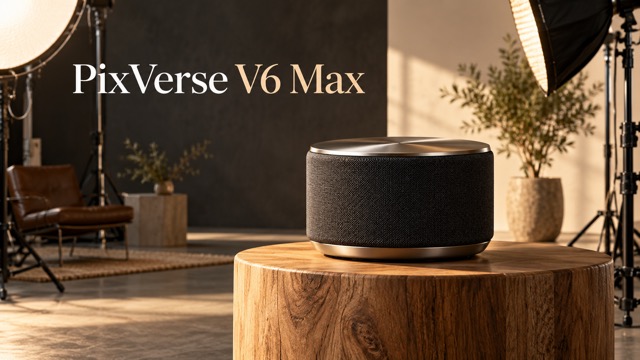
Use this three-stage workflow in a service that explicitly supports the model. The PixVerse V6 Max AI Video Generator on SeeAPI remains an integration draft until a verified model binding is available.

Describe the subject, movement, camera, and lighting, or prepare one authorized starting image. Before using a PixVerse V6 Max AI Video Generator, check the selected service's input limits. Keep a clear test objective and record the source image and prompt together.

Choose only the resolution, duration, and optional controls actually exposed by the service. Submit once and retain the task identifier. For a future PixVerse V6 Max API integration, show a waiting state while the application checks progress without creating duplicate requests.

Review the completed clip for identity, motion, continuity, and audio alignment before downloading. A PixVerse V6 Max AI Video Generator should distinguish a successful task from a failed lookup. Save approved outputs and their configuration so colleagues can reproduce the evaluation process.
Understand the model first, then validate the integration contract. The capability details below come from PixVerse's official model listing; SeeAPI workflow links describe its general API and do not confirm V6 Max availability.
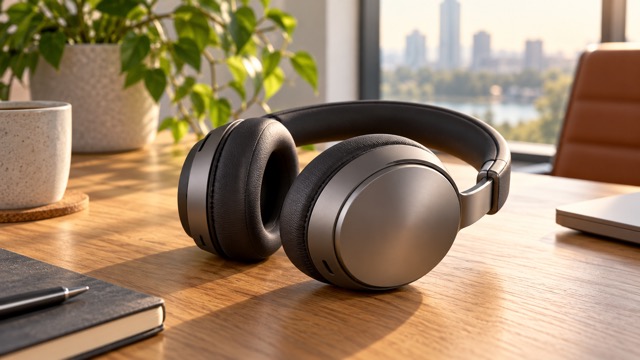
The PixVerse V6 Max API reference published by PixVerse on Replicate accepts a prompt describing subjects, actions, framing, lighting, timing, and sound. For a product test, request an establishing view, a texture close-up, and a restrained tracking shot. Change one variable between runs. This is a prompt-design example, not a verified SeeAPI request. Treat the public schema as model research until SeeAPI publishes its own supported contract.
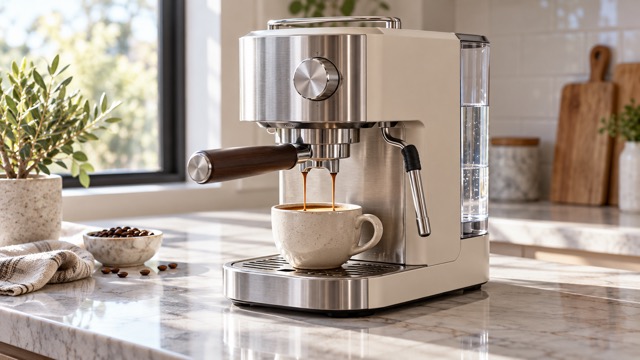
PixVerse V6 Max uses an uploaded image as the starting frame. Its public interface follows that image's aspect ratio and ignores the text-only aspect_ratio setting. Begin with a clean product photograph and describe a slow orbit, stable surroundings, and realistic reflections. Evaluate shape, colors, and labels throughout the clip. A PixVerse V6 Max AI Video Generator should validate input images before submission rather than silently promising arbitrary output framing.

Public PixVerse V6 Max API parameters list 360p, 540p, 720p, and 1080p quality, alongside 5, 8, 10, and 15-second durations. Text generation lists 16:9, 9:16, and 1:1 framing. These are published model options, not confirmed SeeAPI controls or plan entitlements. Test a small configuration matrix before selecting defaults, and compare visual detail, continuity, and cost using the chosen provider's actual billing rules.

The public generate_multi_clip_switch enables a sequence of shots. Organize a PixVerse V6 Max API evaluation around a wide workspace view, a medium approach, a material close-up, and a final product composition. Repeat identity constraints across the sequence and inspect every cut. This concept prompt does not establish SeeAPI support for the switch. Do not expose a multi-shot control until the connected model's input schema explicitly accepts it.

PixVerse V6 Max offers optional generated music, environmental sound, effects, and dialogue through generate_audio_switch in the public reference. Describe who speaks and what should be audible; then review speaker assignment and timing against the video. Audio is a separate test dimension, not a guarantee of perfect synchronization. A PixVerse V6 Max AI Video Generator should expose this option only after its provider mapping and pricing have been verified.

The public PixVerse V6 Max API includes negative_prompt and seed. Use negative instructions to describe unwanted elements and retain seeds with the full configuration for comparison. Seeds help organize repeatability tests, but cannot guarantee identical clips across model revisions or environments. Keep prompts readable and record rejected inputs. Do not add unsupported negative-prompt fields to an online form or assume one provider's limits apply to another.
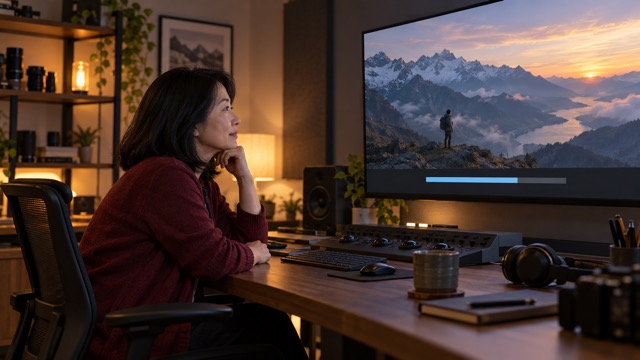
Design a PixVerse V6 Max API integration around four stages: submit a request, retain its task ID, check status, and retrieve the result. SeeAPI's general generation guide documents asynchronous processing and idempotency for supported models. It does not establish a V6 Max endpoint. Distinguish request acceptance from completion, use increasing polling delays, and retain the original task ID after a network timeout instead of starting another generation.

Before shipping a PixVerse V6 Max API integration, verify the exact model, endpoint, provider, and input contract. Keep credentials on a trusted server, validate parameters, and log redacted errors alongside request identifiers. Separate upload, task tracking, review, and storage in your application. Give users a clear recovery path for failures. No V6 Max-specific SeeAPI SDK, batch interface, price, concurrency limit, or service guarantee is asserted here.
These are proposed application designs for developers, automation teams, and creative platforms, not claims of deployed customer integrations.

Prototype a request queue, progress display, and review screen before exposing a new model. A PixVerse V6 Max AI Video Generator inside a SaaS product needs a verified provider contract, clear availability messaging, and task ownership checks.

Turn approved product briefs into structured generation requests. A future PixVerse V6 Max API workflow can preserve prompt revisions and approval history while keeping human review between generated footage and any customer-facing campaign.

Use authorized product images and inspect material, geometry, and packaging consistency. Keep the source photograph associated with each evaluation. Treat generated motion as a draft asset until merchandising teams approve the final clip.

Plan framing and duration for the intended placement. A PixVerse V6 Max AI Video Generator can be evaluated against vertical and square briefs, but output settings must follow the actual connected endpoint rather than assumptions.

Represent each shot as a clear visual instruction before combining the prompt. Evaluate character identity and transitions with the same review criteria across runs. Multi-shot planning does not imply support for first-and-last-frame transition inputs.

Keep a compact test set covering prompts, images, motion, and audio. Compare accepted parameters, failures, and output quality before designing an interface. PixVerse V6 Max API readiness depends on documented integration details as well as attractive sample footage.

Separate generation from editing and asset delivery. Store request metadata, approved outputs, and review decisions. Retry recoverable failures carefully and avoid resubmitting a generation merely because a status lookup temporarily failed.

Let users refine a brief and inspect results without seeing secret credentials. A PixVerse V6 Max AI Video Generator concept can guide interface design today, while live controls remain gated on verified model availability.
These five editorial examples illustrate developer evaluation priorities. They are not authenticated customer testimonials, deployed integrations, or measured performance results.
I value a clear parameter contract before I design a generation screen. Knowing which inputs are actually supported makes the prototype easier to explain and the evaluation more useful.
I prefer a workflow that keeps the original task identifier through timeouts. Clear progress states and careful retries matter to me as much as an attractive finished video.

I find structured shot prompts easier to review than one long visual wish list. Consistent product details and deliberate camera movement give me concrete criteria for judging each result.

I appreciate examples that distinguish model capabilities from features a service has actually enabled. That clarity helps me test an idea without promising controls my application cannot yet deliver.

I want every approved clip connected to its source image, prompt, and review notes. An organized handoff makes generated assets easier to assess, store, and reuse responsibly.

Model capabilities and current SeeAPI integration status are different questions. These answers keep that boundary explicit.
PixVerse V6 Max is a quality-focused video model in PixVerse's V series. Its official hosted listing describes text and starting-image generation, output up to 1080p, optional synchronized audio, and clips up to 15 seconds. These capabilities describe the model rather than SeeAPI availability.
Explore SeeAPI's documented video models and task workflow while V6 Max integration remains unverified. Keep your prototype ready with clear input validation, task tracking, and output review. Enable live generation only after the correct model configuration and API contract are available.