


Sia Snowman Dance AI
A Winter Duet Under Falling Snow
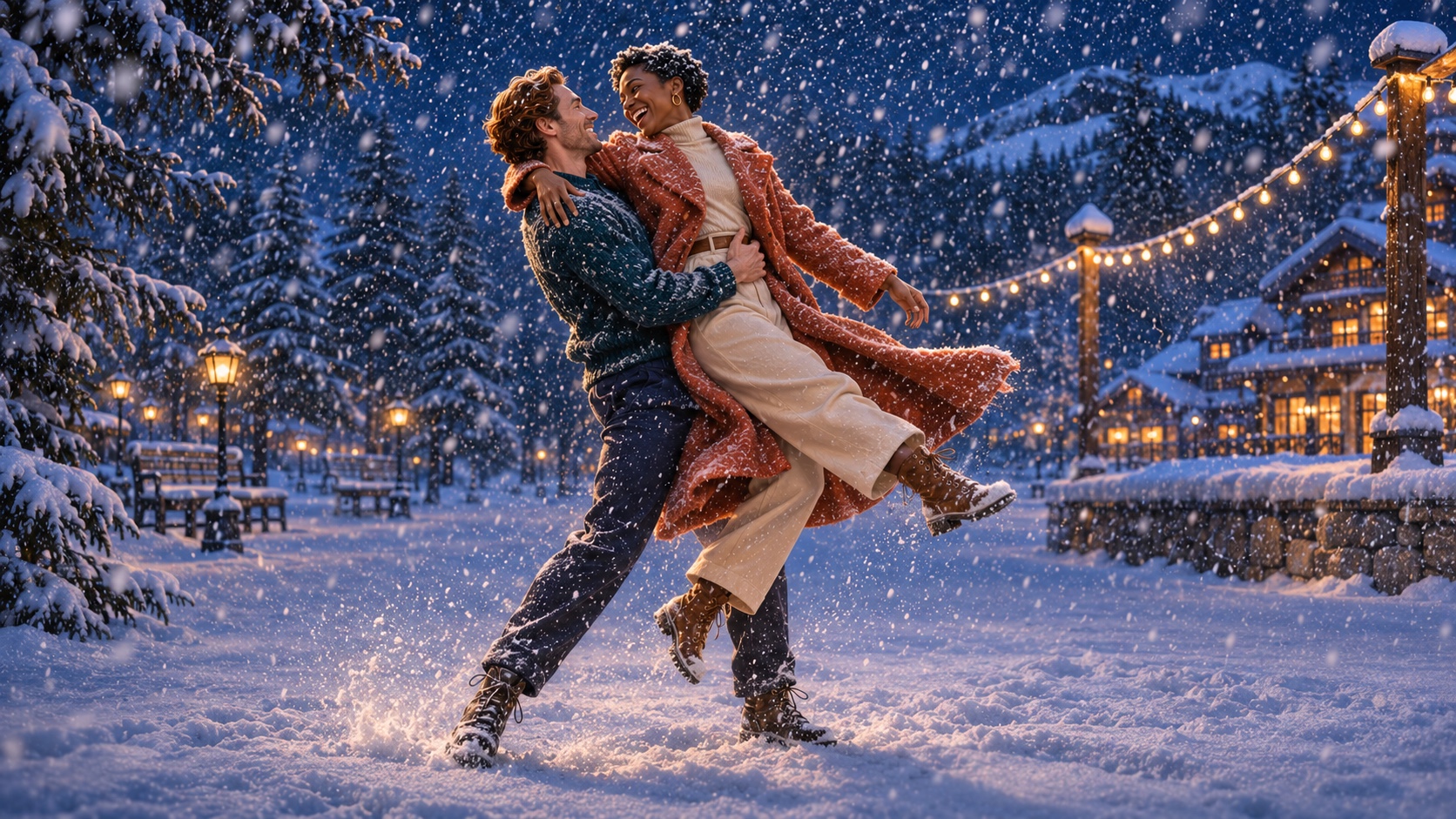
Snow gathers on a coral coat as two dancers reach for each other under an amber lantern. Make a Sia snowman dance AI duet from a photo of the two people you want to see in that winter scene. Their linked hands carry them through the change of places before they come together for a lift. The 15-second Sia snowman dance AI reference gives the duet its rhythm, while Seedance 2.0 uses your photo for the faces and clothes. For a more intimate Sia snowman dance AI clip, choose a picture where your partner is already looking back at you.
Make a Sia snowman dance AI video from one photo
Choose the pair, frame the scene, and let the built-in reference lead the dance. Most of the creative decisions happen before you press Generate. A picture with room for both people to move is worth more here than an elaborate description of the steps.
Choose your Sia snowman dance AI photo
Start with a picture where you could point to each person’s face, sleeve, and shoes without guessing which belongs to whom. A candid shot of two friends waiting on a path can work beautifully for Sia snowman dance AI. If one friend has an arm across the other’s chest, look through the neighboring shots for a moment when their outlines separate. Keep the original image handy so you can check small details in the result.
Leave space for the change of places
Look beyond the opening pose. Halfway through the reference, the dancers move across the space between them. For a Sia snowman dance AI portrait, leave a little room outside both elbows and above the taller partner’s head. If you have a landscape photo of the pair several feet apart, try a wider frame first. Keep enough floor below their shoes to see who steps forward when their positions change.
Review your Sia snowman dance AI duet
Upload your two-person photo, choose the shape of the video, and set Duration to 15 seconds for the full Sia snowman dance AI sequence. Then generate with Seedance 2.0. The Sia snowman dance AI reference is already attached. On the first play, follow the person who starts on the left all the way through the turn. On the second, follow their partner. A convincing Sia snowman dance AI take lets you recognize each dancer again when they emerge from behind the other.
Which frame fits your Sia snowman dance AI duet?
The TikTok reference was filmed upright, but Sia snowman dance AI leaves the output shape up to you. Imagine tracing a box around the pair at their widest point. Where that box sits in your picture is a good guide to the format you should choose.
Portrait for the height of the lift
For a phone-first Sia snowman dance AI video, frame the pair as if a third friend were standing a few steps back with the camera. Give the lifted dancer space above their head and let the ground anchor their partner’s feet. If both faces fill the top half of the original photo, the framing is already quite tight. Another photo taken from farther away will usually give you more to work with.
Landscape for the space between hands
A wide Sia snowman dance AI scene suits a pair standing on opposite sides of a garden path, a doorway, or a stretch of empty pavement. Their joined hands make a bridge across that gap. Try to give both outer shoulders a similar margin. A landscape picture with the subjects crowded into one corner leaves lots of scenery on screen while the interesting part of the duet stays small.
Square for a close, balanced pair
A square Sia snowman dance AI clip can suit two people standing at similar distances from the camera. Draw an imaginary line down the center of your photo. A handhold near that line draws the eye to the space they share, even when one dancer is taller. For a grid post, leave room around the pair and use the opening frame to check how the thumbnail will read at a small size.
Room for a caption
Plan where a line of text will sit before you crop. A patch of dark sky above the pair or a quiet strip of pavement below them gives a caption somewhere to go. Watch the whole Sia snowman dance AI clip before placing the words. What looks like empty space in the first frame might be exactly where a face or an outstretched hand appears during the turn.
Four ways to share a winter duet
The snowy trees make the original recognizable, yet the reason to make a Sia snowman dance AI video is often something smaller and more personal. An unmistakable grin, a favorite coat, or a picture someone almost forgot about can give a friend a reason to watch again.
A Sia snowman dance AI postcard from your trip
Pick the photograph that brings a winter trip back to you. Perhaps you are both wearing the scarves you bought at the station, or one of you still has a lift pass clipped to a jacket. Those small details can make a Sia snowman dance AI postcard feel like yours. Send the duet with a line only your travel companion would recognize, such as the name you gave the icy walk home.
Bring an anniversary snapshot back to life
Use a photo with details your partner remembers, such as the shoes they wore on your first date or the scarf they lent you on the long walk home. A Sia snowman dance AI anniversary duet gives those details a second look. In an anniversary edit, hold the original still briefly, then cut to the moving version on the first reach of a hand.
Make a holiday greeting with a friend
Matching sweaters are optional. Two very different outfits can make a Sia snowman dance AI greeting easier to follow through the crossing step. Pick a shot with warm expressions and a clear floor, then save the holiday message for the end of the clip. Let the recipient see who is dancing before the greeting arrives. A private joke in the final caption often feels more personal than a long introduction.
A Sia snowman dance AI ending for your scrapbook
Build a short sequence of photos from the same afternoon, ending on the image you uploaded. Follow it with your Sia snowman dance AI duet so viewers recognize the two of you as the snow begins to fall. For a shared album, a simple caption with the place and year can be enough. Let the closing turn carry the ending instead of cutting away at the moment the pair meet.
Sia snowman dance AI questions
Small choices in the source picture affect the part of the dance that feels most personal. These answers cover the handhold, the winter setting, the soundtrack, and how to judge a finished take.
The page is set up for one picture containing both people. If you only have separate portraits, place them together in an image editor first. Match the height of the camera and the direction of the light, then leave a little distance between the subjects. A full-length portrait beside a tightly cropped selfie makes a difficult starting point because the two people appear to stand at very different distances.
Make a Sia snowman dance AI duet together
Pick the picture that would make your partner smile. Bring the two of you into a Sia snowman dance AI duet and choose the frame that fits your story.