


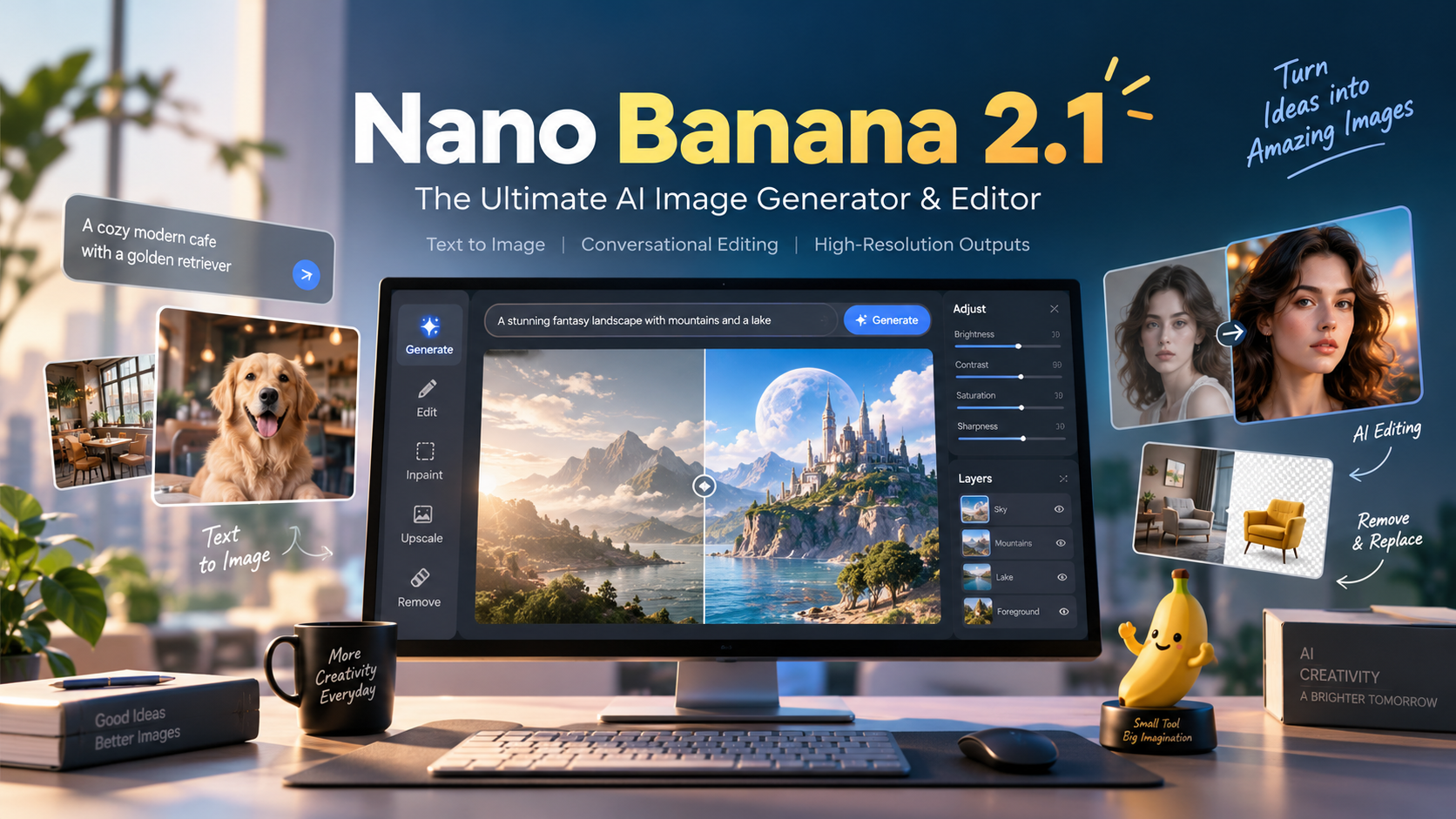
Tired of spending hours tweaking pixels or struggling to get the exact image you imagined? AI image creation just got a major upgrade. Designed to make high-quality visual content more accessible, this new generative design workflow is changing the game for creators.
From generating realistic portraits with text prompts to modifying existing photos through natural language, it offers a flexible, intuitive way to produce stunning assets. Whether you are a designer, marketer, developer, or everyday creator, understanding these capabilities can supercharge your creative process. Ready to transform your workflow? Try Nano Banana 2.1 today.
What Is Nano Banana 2.1?
Associated with Google's Gemini ecosystem, this AI photo editor and generation model combines text-based image creation with conversational editing. Instead of manually adjusting every visual element or relying on random generations, users can describe the changes they want, review the output, and refine the result through conversational prompts.
This text-to-picture AI tool is suited for creative workflows involving digital artwork, product visuals, and professional content creation.
Key Features of Nano Banana 2.1
This model brings together a suite of image generation and editing capabilities. The following table summarizes its primary functions to help you build a more effective visual workflow.
Feature | Description | Best For |
|---|---|---|
Text-to-Image | Generate original images from written descriptions | Digital artwork and concepts |
Conversational AI Editing | Modify specific parts of an image using natural language | Photo enhancement and iteration |
High-Resolution Output | Create detailed visual assets, with resolution depending on model support | Marketing and print visuals |
Character Consistency | Preserve recognizable characters across multiple scenes | Visual storytelling and comics |
Reference Images | Guide generation style and structure using existing visuals | Brand-aligned creative design |
Text-to-Image Generation
Create original visuals by describing subjects, backgrounds, lighting, and artistic styles. Text-to-image generation supports everything from realistic photography to imaginative illustrations without requiring advanced design skills.
Conversational AI Image Editing
Edit existing images using simple natural language instructions. Request changes to backgrounds, colors, objects, or lighting while specifying which important visual details, such as facial features or product shapes, should remain unchanged.
High-Resolution Image Creation
Generate detailed images suitable for digital publishing, presentations, and creative projects. High-resolution image output helps maintain visual clarity, although available resolutions depend on the selected model and interface.
Character and Style Consistency
Maintain recognizable subjects and visual styles across multiple image variations. This capability is especially useful for visual storytelling, branded content, and illustrated projects that require consistent characters.
Explore these creative capabilities with Nano Banana 2.1.
How to Use Nano Banana 2.1 in 3 Steps
Creating and editing AI images involves three straightforward steps.
Enter a Prompt or Upload an Image: Describe the visual you want to create from scratch, or upload an existing image as a reference for editing.
Generate Your Image: Submit your instructions and allow the AI model to process the request.
Refine and Download: Review the generated image, adjust your prompt if necessary, and download the final result.
Pro Tip: Include specific details such as camera angle, background, lighting, composition, and visual style to make your instructions more precise.
For example, instead of writing "a dog," try:
A golden retriever sitting in a sunlit park, photographed with a 50mm lens, vibrant natural colors, realistic fur details, and a softly blurred background.
Real-World Use Cases
From everyday content production to professional design workflows, Nano Banana 2.1 can support various creative applications.
Use Case | Practical Application | Main Benefit |
|---|---|---|
Social Media | Posts, thumbnails, promotional images | Faster content creation |
Product Design | Product concepts and lifestyle visuals | Easier visual experimentation |
Digital Art | Illustrations and creative artwork | Flexible artistic styles |
Marketing | Campaign graphics and advertisements | More creative variations |
Education | Illustrations and visual explanations | Clearer visual communication |
Social Media and Marketing
Create promotional graphics, social media images, and campaign concepts. AI-generated visuals help marketing teams explore different creative directions before selecting their final designs.
Product Photography and E-Commerce
Upload a product photo and describe a new setting, such as a sunlit coffee table or minimalist studio. AI image editing can assist with background changes and lifestyle compositions, reducing repetitive design work.
Digital Art and Visual Storytelling
Generate illustrated scenes, character concepts, and artistic compositions. Using reference images and consistent prompts can help maintain a recognizable appearance throughout a storyboard or comic project.
Bring your creative projects to life using Nano Banana 2.1.
Nano Banana 2.1 API Integration for Developers
For developers and engineering teams interested in automated image workflows, image generation APIs provide opportunities to integrate creative capabilities directly into applications.
An API-based workflow can help platforms manage tasks such as automated image generation, dynamic photo editing, and large-scale visual content production.
Developers can explore several practical applications:
Automated Content Creation: Generate visual assets for websites, applications, and digital campaigns.
AI Image Editing Tools: Build applications that allow users to modify images through natural language instructions.
Creative Design Platforms: Support image generation, customization, and refinement within an existing design workflow.
E-Commerce Applications: Experiment with product backgrounds, marketing images, and visual presentation concepts.
Important: Before implementation, verify model availability, API identifiers, supported resolutions, usage limits, and pricing through the provider's official documentation.
Tips for Better Nano Banana 2.1 Prompts
Well-structured prompts improve the clarity of image generation instructions. Rather than relying on vague descriptions, organize requests around the most important visual details.
Prompt Element | Example |
|---|---|
Subject | A woman walking through a garden |
Environment | A peaceful botanical garden |
Lighting | Soft natural morning light |
Style | Realistic editorial photography |
Composition | Medium shot, shallow depth of field |
Be Specific About Your Subject
Clearly describe the main subject, including appearance, clothing, surroundings, and relevant visual details. Specific descriptions help reduce ambiguity and guide the generated composition.
Define Lighting and Visual Style
Mention the desired lighting conditions, camera perspective, and artistic style. For example, warm sunset lighting creates a different atmosphere from soft studio illumination.
Preserve Important Details During Editing
For image editing, specify what should change and what should remain unchanged. This helps communicate your editing intentions more clearly.
Example prompt:
Change the background to a snowy mountain landscape, but preserve the subject's facial features, clothing, body proportions, and original pose.
Review and Refine Your Results
Examine each generated image for unexpected objects, inconsistent facial details, unusual proportions, and inaccurate text. Make targeted adjustments rather than rewriting the entire prompt.
Frequently Asked Questions
What Is Nano Banana 2.1 Used For?
Nano Banana 2.1 is presented as a tool for AI image generation, photo editing, digital artwork, and visual content production. It can support creative workflows involving images generated from text and edits guided by natural language.
Can Nano Banana 2.1 Edit Existing Images?
Image editing workflows can use uploaded images and descriptive instructions to request changes to backgrounds, objects, lighting, and other visual elements.
Can Nano Banana 2.1 Generate Realistic Photography?
Realistic photography is a common use case for AI image generation. The final quality depends on the model's capabilities, prompt details, and reference images.
Is Nano Banana 2.1 Suitable for Beginners?
Yes. A natural-language editing workflow can make image creation more accessible to users without advanced photo editing experience.
Does Nano Banana 2.1 Support API Integration?
API availability depends on the actual model and service provider. Developers should verify the supported API endpoints, model identifiers, and integration requirements before building applications.
Conclusion
Nano Banana 2.1 brings AI image generation and conversational editing into a flexible creative workflow. From marketing visuals and digital artwork to photo enhancement and product concepts, these capabilities can help creators explore new ideas while reducing repetitive editing tasks.
By combining clear prompts, reference images, and thoughtful refinement, users can develop more consistent visual content and improve their creative workflow.
Start exploring your next creative project with Nano Banana 2.1 today!