


Alors on Danse API
Turn two portraits into a 15-second Alors on Danse duo dance video. The first portrait supplies the appearance of the performer on the left, and the second supplies the performer on the right when both first appear together.
Choose the output resolution and optionally set the aspect ratio and seed. For recognizable results, use one clearly visible person per image, with the face, hair and desired clothing easy to see.
Developer API pricing
Provider: SeeAPI
USD estimate: $0.0037 / credit · Estimated equivalent, not an additional charge.
480p: 330 credits/gen (≈ $1.24/gen)
720p: 720 credits/gen (≈ $2.70/gen)
1080p: 1,780 credits/gen (≈ $6.67/gen)
4k: 3,670 credits/gen (≈ $13.75/gen)
API examples
This example comes from successful API calls. The two input portraits and the output video below belong to the same generation.
Example 1
Input
input.reference_images[0]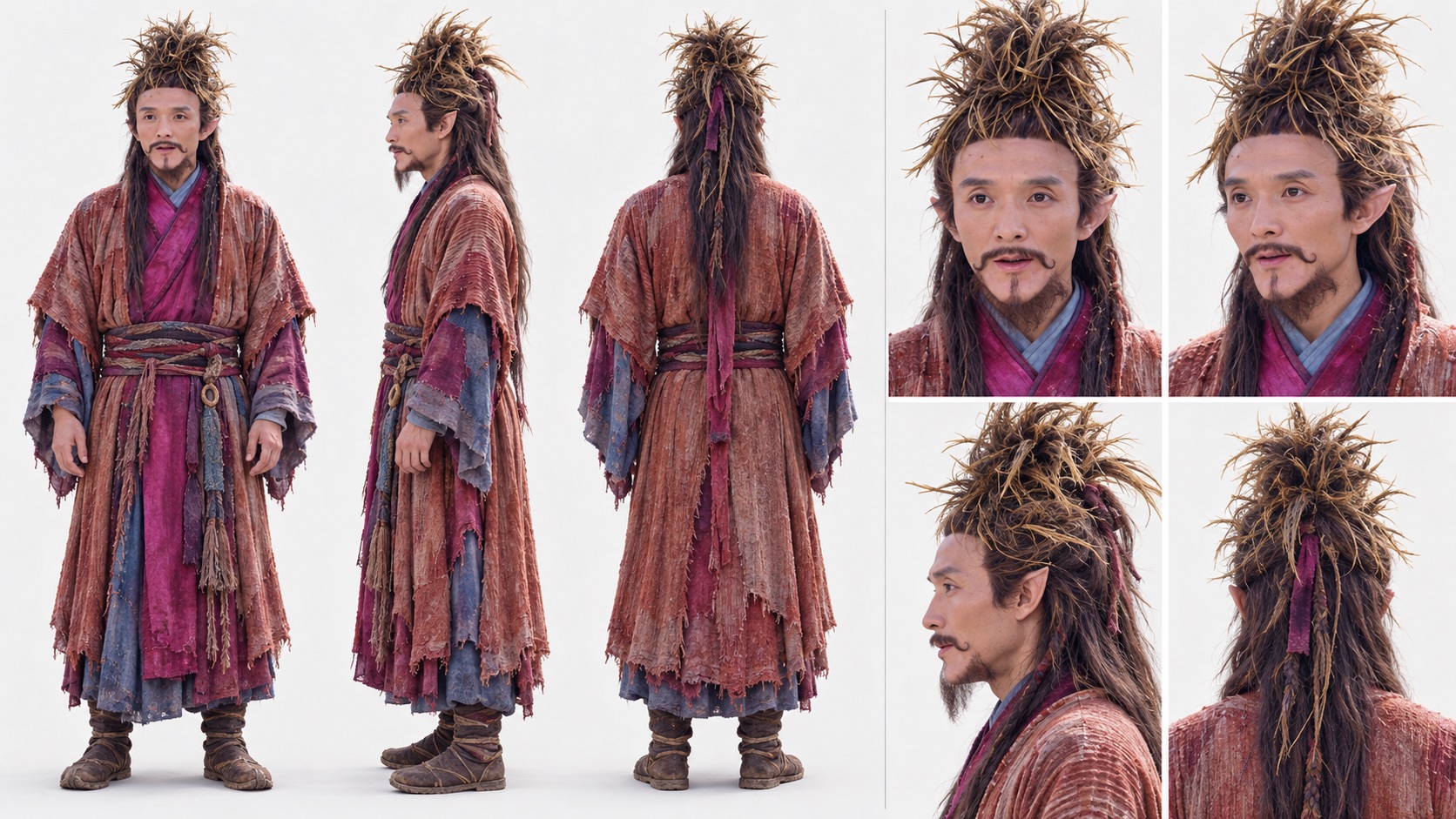
input.reference_images[1]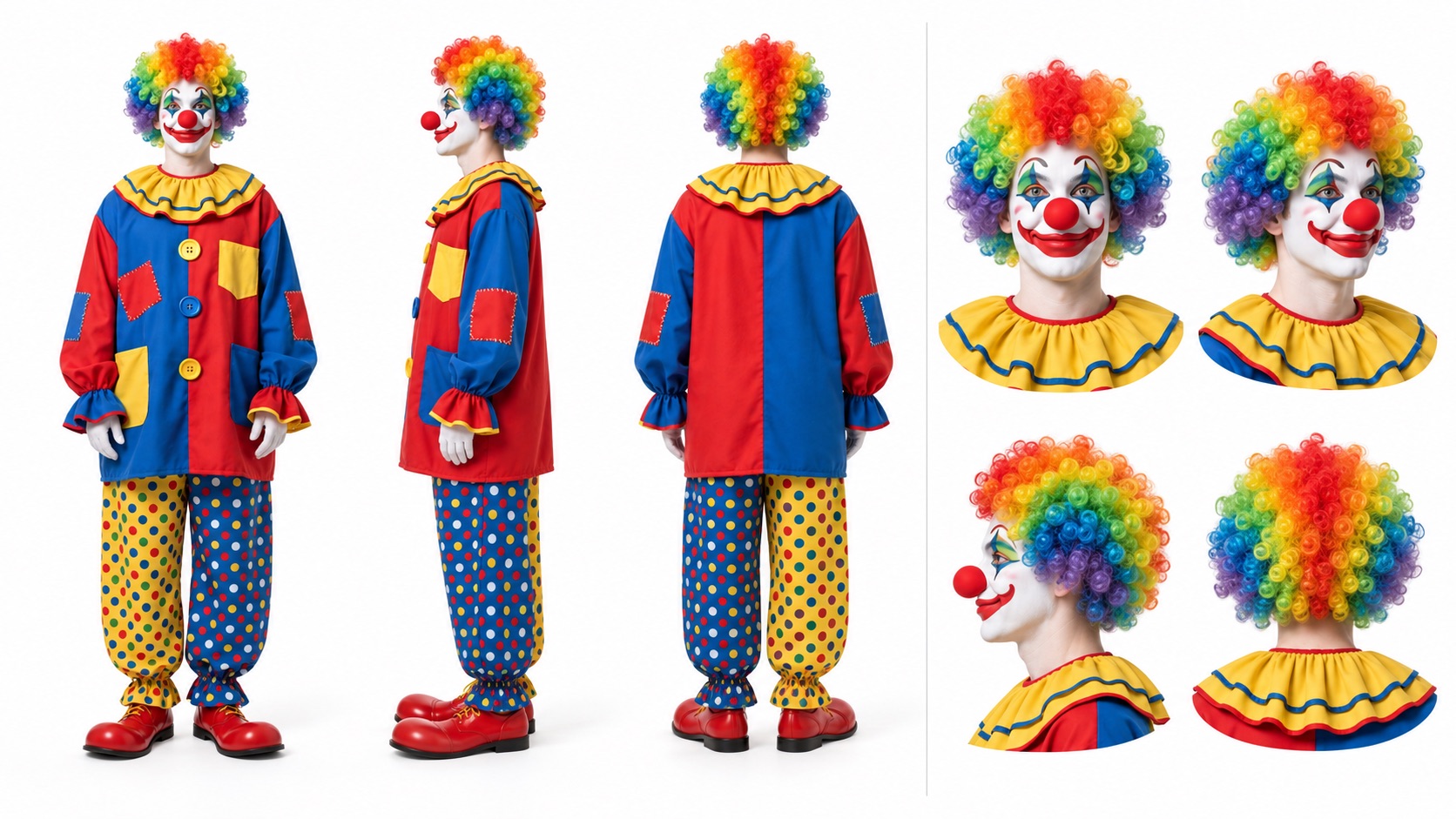
Output 1
Result 1
These examples are saved API results. Actual generated results may vary.
Request
/v1/templates/alors-on-danse/generationsHeader Params
Identifies a generation request so retries can reuse the same task.
- Use a new key for each new generation.
- Retry an identical request with its original key and unchanged body.
- Example:
template-order-001
Body Params
application/jsonThe public provider used to run this template.
- Send seeapi.
seeapi- Default:
seeapi- Example:
seeapi
objectrequiredThe portraits and output settings for this generation.
- Only submit the public fields listed below.
- The output duration is fixed at 15 seconds.
The portraits and output settings for this generation.
- Only submit the public fields listed below.
- The output duration is fixed at 15 seconds.
Portraits of the left and right performers in the duo dance video.
- Supply an array of exactly two HTTPS image URLs: the left performer first, then the right performer, based on their first appearance together.
- Use JPEG/JPG, PNG, WebP, BMP, TIFF, or GIF. Each image must be smaller than 30 MB.
- Width and height must each be 301–5,999 px.
- The image width-to-height ratio must be greater than 0.4 and less than 2.5.
- Use direct image URLs that the API can download; URLs must not include credentials or fragments.
- For best results, show one person per image with a clearly visible face, hair and intended clothing.
- Replace the example image URLs in the code panel with your own portrait URLs before creating a generation.
- Example:
["https://customer.example.com/input-1.jpg","https://customer.example.com/input-2.jpg"]
Controls the resolution of the generated video.
- The selected resolution determines the template price shown above.
480p720p1080p4k- Default:
480p- Example:
480p
Controls the width-to-height ratio of the generated video.
- Use adaptive to follow the template video framing.
- This setting does not change the allowed proportions of your input images.
16:99:161:14:33:421:9adaptive- Default:
adaptive- Example:
adaptive
Controls the random seed used for generation.
- Reusing the same seed and inputs does not guarantee identical output.
- Default:
0- Example:
0
The HTTPS endpoint that receives the generation completion or failure event.
- Provide an absolute HTTPS URL if you use callbacks.
- Verify webhook signatures before trusting the notification.
Responses
202The generation has been accepted for processing. Save generation.id and query GET /v1/generations/{task_id} to retrieve the final video.
- HTTP 202 confirms acceptance, not completion.
- The estimated_credits value in the schema example is illustrative; it is not this template’s price.
objectrequired
- Example:
task_example
Public template ID.
- Example:
alors-on-danse
seeapi- Example:
seeapi
Normalized customer input only.
- Example:
{"reference_images":["https://customer.example.com/input-1.jpg","https://customer.example.com/input-2.jpg"],"resolution":"480p","aspect_ratio":"adaptive","seed":0}
processingRequest-specific template estimate in customer credits; obtain an estimate with Quote Template. The example value is illustrative, not this template's price.
- Example:
10
- Example:
0
- Example:
0
- Example:
2026-01-01T00:00:00.000Z
- Example:
2026-01-01T00:00:00.000Z
false- Example:
false
200An idempotent replay returns the existing generation and its current status, rather than creating another task.
- The existing task may still be processing or may already be complete.
- When status is succeeded, read the finished video from generation.result.assets.
objectrequired
Public template ID.
- Example:
alors-on-danse
seeapi- Example:
seeapi
Normalized customer input only.
processingsucceededfailedcanceledrefundedexpiredEstimate recorded on the original task in customer credits.
objectoptional
array <object>required
imagevideotrue- Example:
true
Invalid request or public template input
Invalid API key
Insufficient credits
API key scope or access denied
Template or task not found or unavailable
Template configuration changed, idempotency conflict, or request still being created
Request body too large
Rate limit exceeded
Service temporarily unavailable
Query Task Status
After submitting a task, use the unified query endpoint to check progress and retrieve results:
Use generation.id as task_id in GET /v1/generations/{task_id}. When generation.status is succeeded, retrieve the video URL from generation.result.assets. If the task fails, inspect generation.error_code and generation.error_message.
Callbacks
Manage the secret used to verify generation webhook signatures. Callback URLs are supplied when you create each generation.
Webhook flow
Callback URL per generation.