


 ImageStay Curious Paper Sculpture Typography
Latest AI prompt library
Best AI Prompt Library for Images & Videos
Explore ready-to-use AI Image Prompts and AI Video Prompts, open the creative direction behind each result, and continue in SEEAPI with the prompt already prepared for your image or video workflow.
Browse by model
Latest Image Prompts
ImageStay Curious Paper Sculpture Typography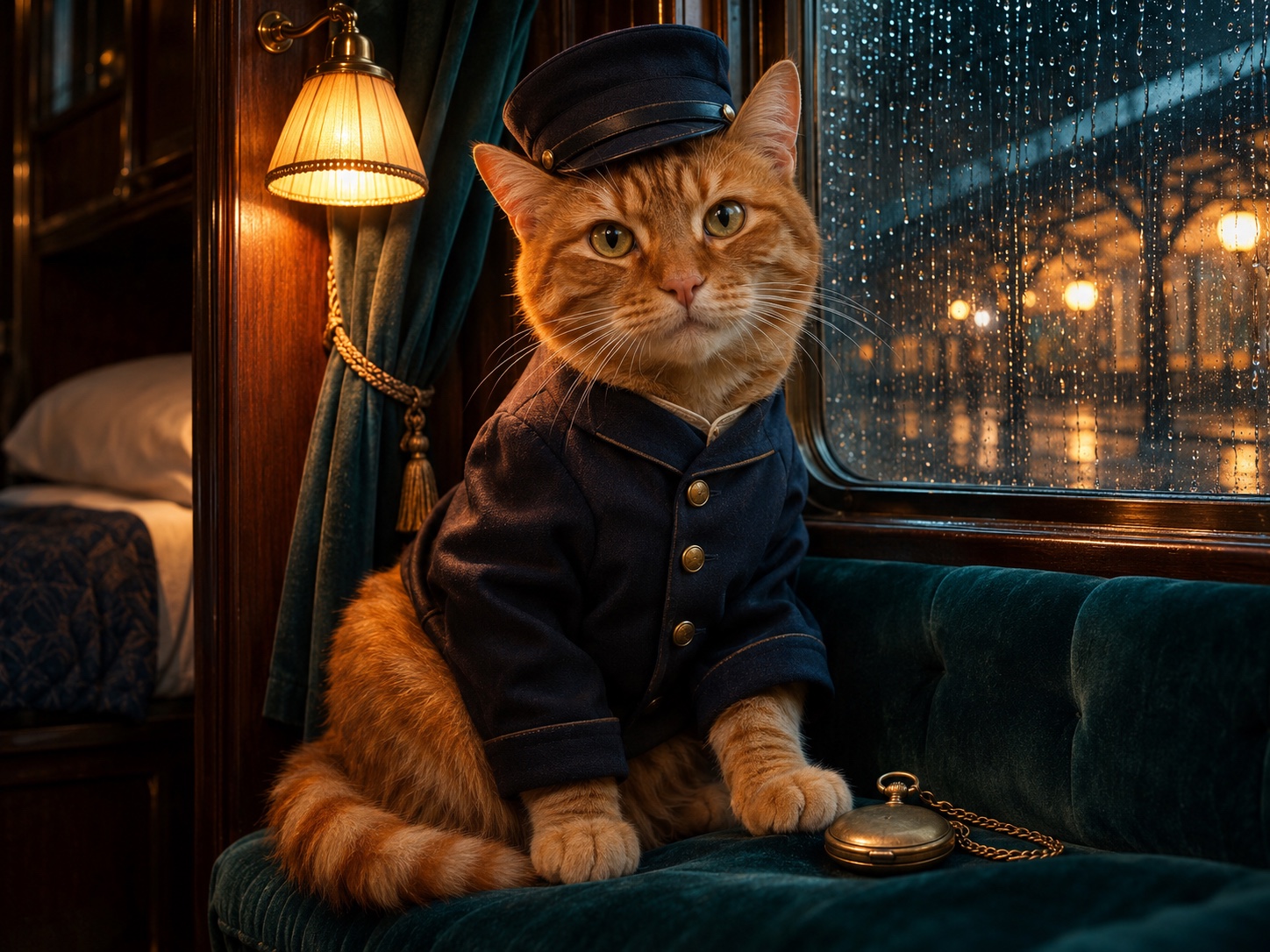 ImageDignified Cat Night-Train Conductor
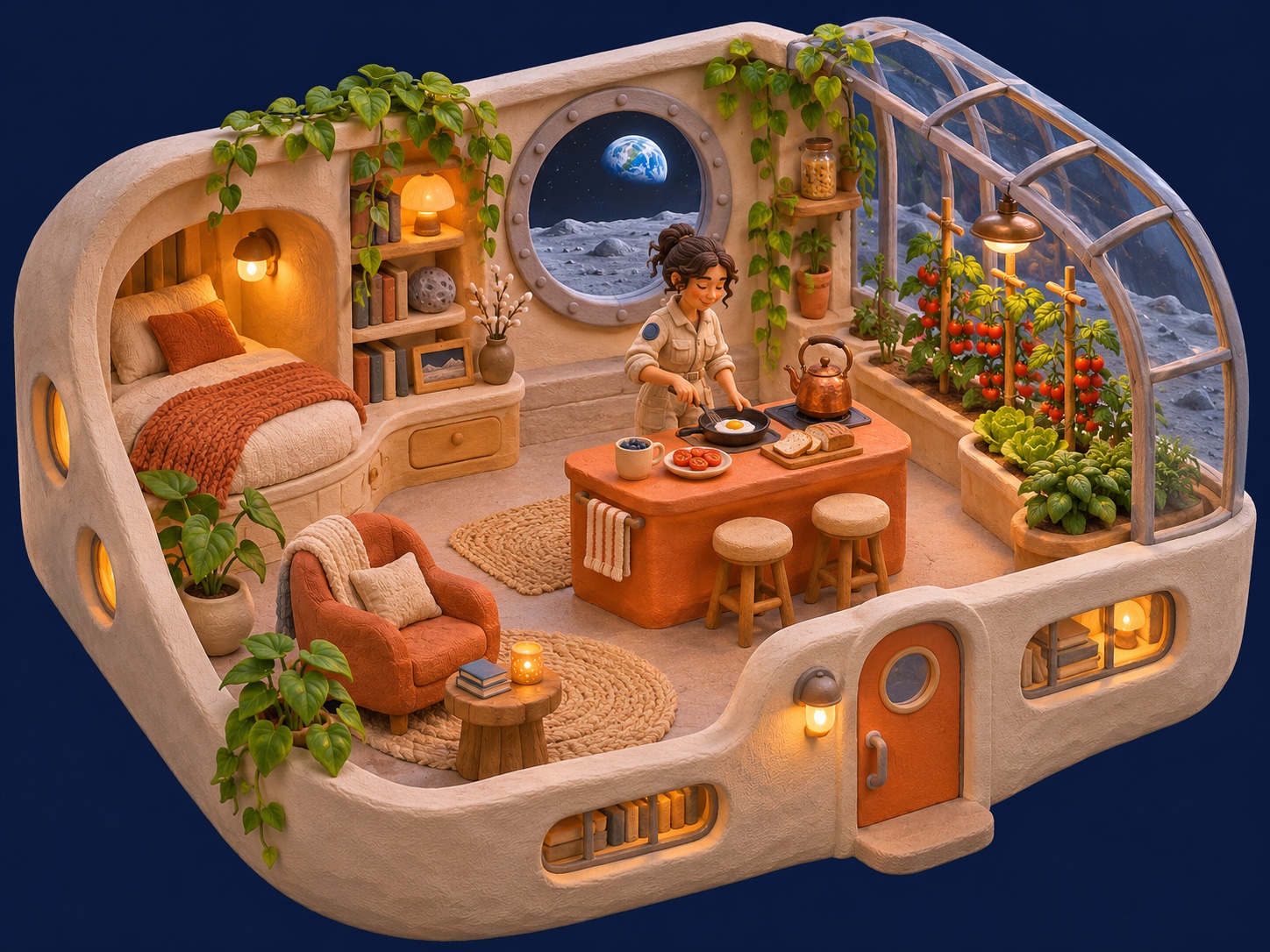 ImageIsometric Moon Greenhouse Claymation Cutaway
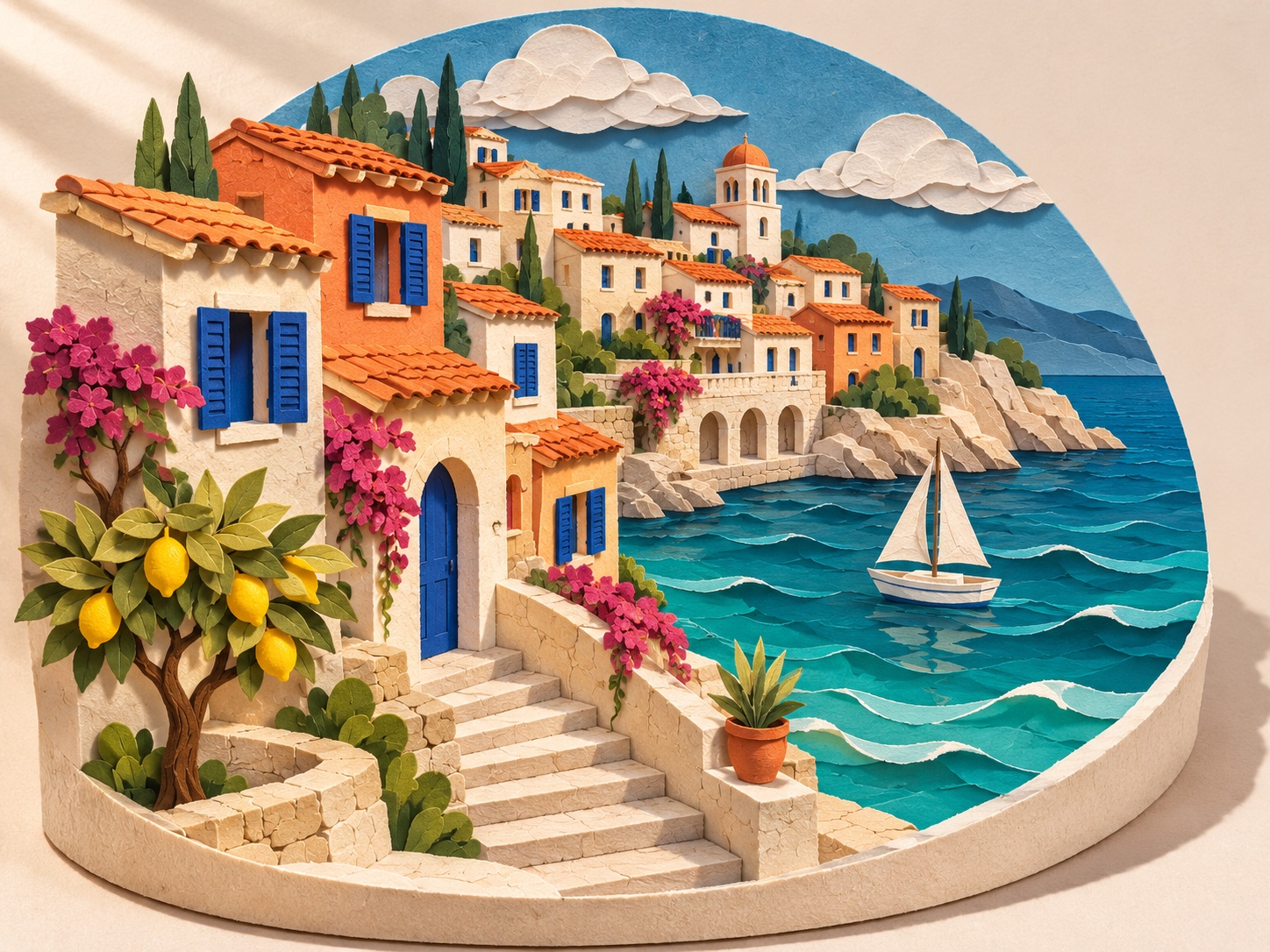 ImageMediterranean Coastal Village Paper-Cut Sculpture
 ImageHigh-End Strawberry Soda Splash Photography
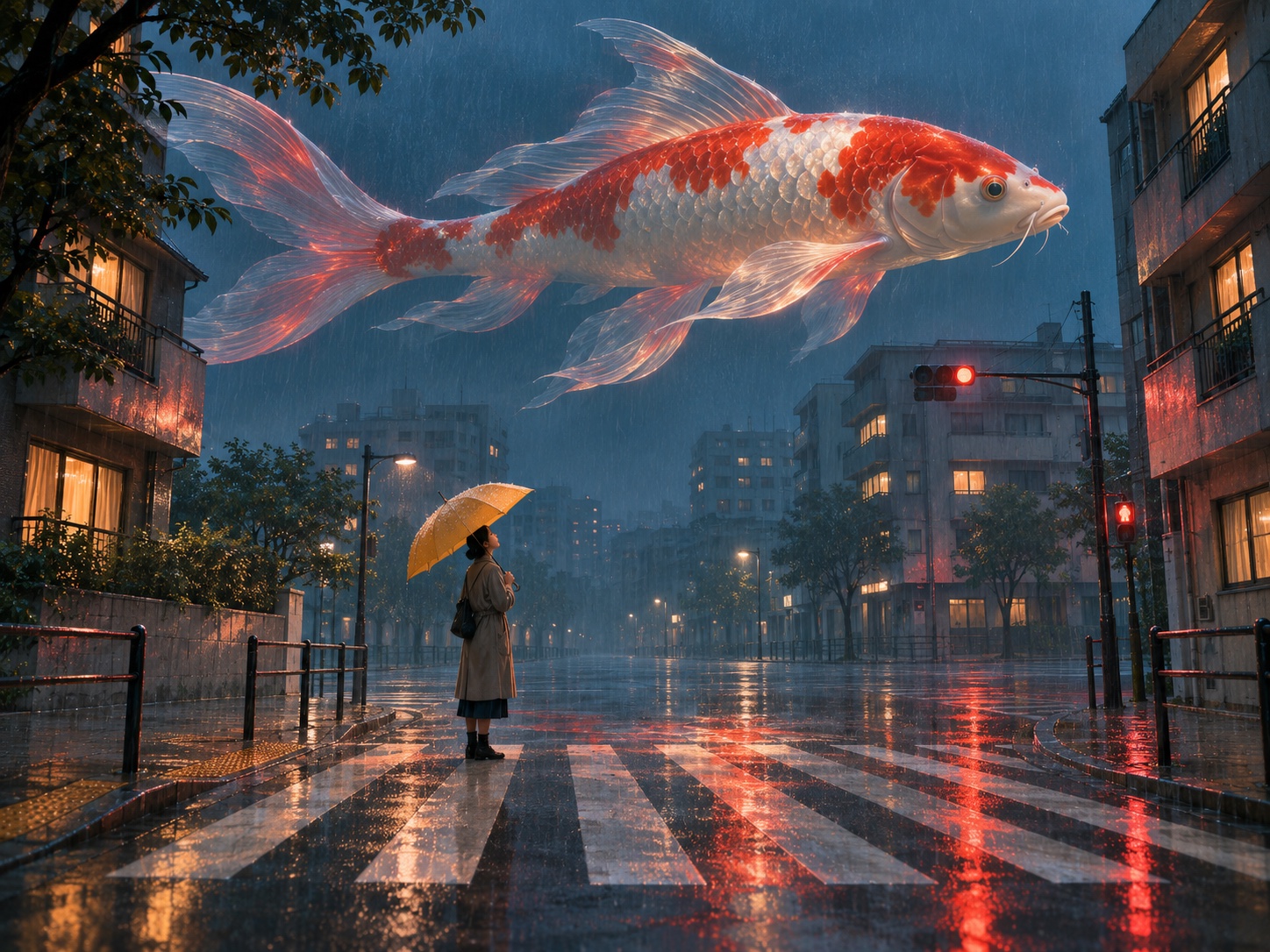 ImageCinematic Surreal Koi Over City Intersection
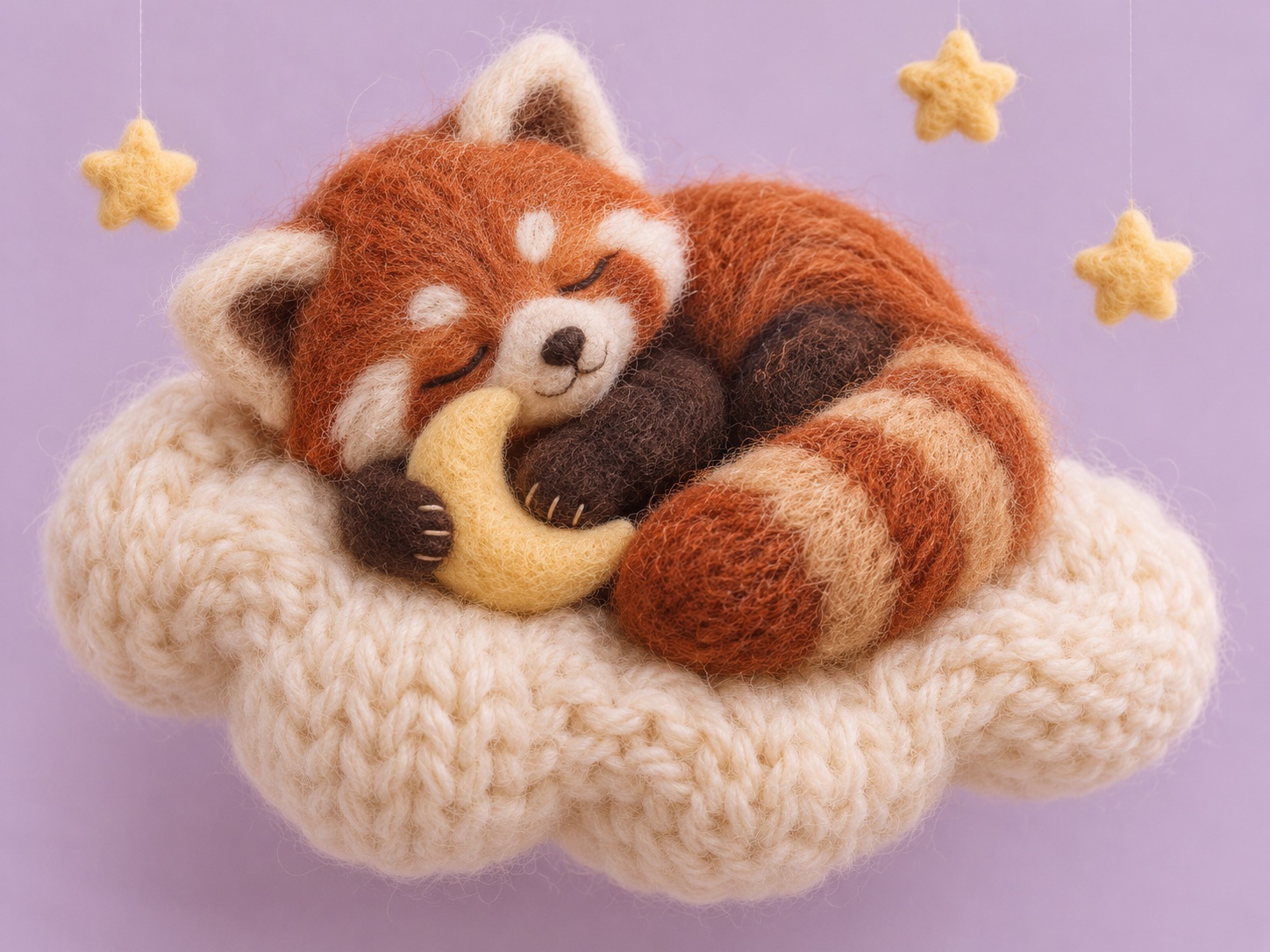 ImageNeedle-Felted Red Panda on Knitted Cloud
 ImageCandid Late-Night Fashion Editorial
 ImageLuxury Icy-Blue Perfume Still Life
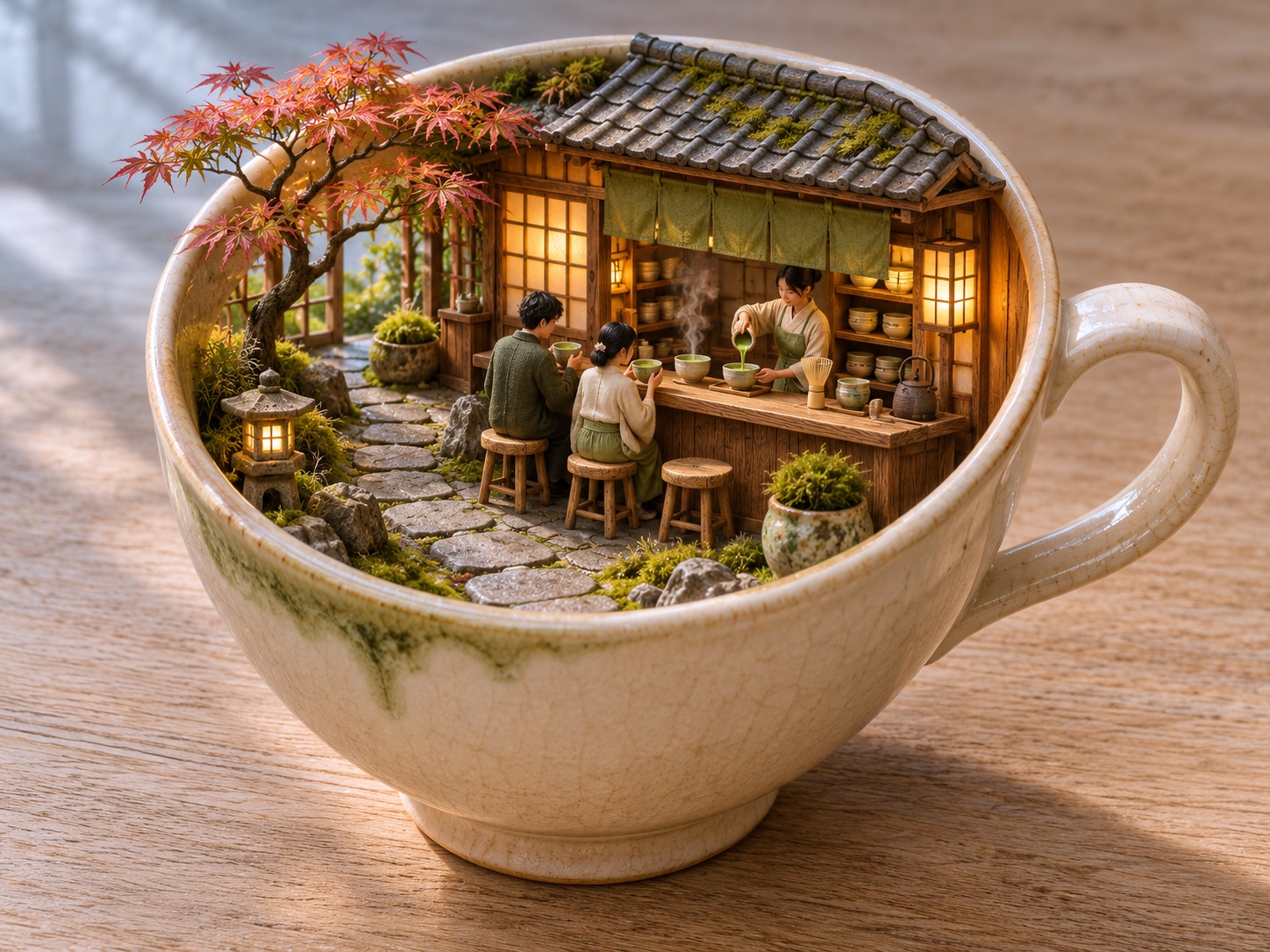 ImageMiniature Japanese Matcha Café Diorama
 ImagePhotorealistic Street Portrait After Rain
 ImageLuxury Hypercar in Autumn Forest
Latest Video Prompts
How to Use the AI prompt library
Move from browsing to a clear creative brief. The AI prompt library organizes inspiration, while AI prompt examples give you language to adapt and test. Keep a simple record of your brief and the changes you make. This helps you build a repeatable process around the AI prompt library without losing track of your original creative intention.
1

Choose Your Creative Goal
Start in the AI prompt library with the result you want: a product image, character portrait, social visual, or cinematic clip. Explore AI prompt examples that match your intended use.
2

Open a Relevant Category
Navigate the AI prompt library by scenario, style, or theme. Compare AI prompt examples within a focused category before selecting a starting point.
3

Customize the Details
Adapt the AI prompt library to your brief by changing the subject, setting, lighting, composition, and mood. For video, extend AI prompt examples with action, camera movement, and timing.
4

Generate, Review, and Refine
Take your adapted AI prompt library selection into your chosen creation workflow. Test AI prompt examples with your model, inspect the result, and adjust one important detail at a time.
Why Start with the SeeAPI AI prompt library?
The AI prompt library helps you discover relevant creative directions. Use AI prompt examples to plan clearer briefs, compare approaches, and develop your own prompting vocabulary.
Find a Starting Point Faster
The AI prompt library brings scattered creative directions into one hub. Use AI prompt examples to identify a relevant starting point before writing your own brief. The AI prompt library helps you compare approaches without losing sight of your goal. Study AI prompt examples for the subject, setting, and visual details that make each direction distinct.

Write More Specific Creative Briefs
The AI prompt library helps turn broad ideas into descriptions you can test. Learn from AI prompt examples to define lighting, composition, materials, and mood. Return to the AI prompt library when a brief needs a clearer visual direction. Adapt AI prompt examples to explain what should appear, how it should look, and which details matter most.
Adapt Ideas to Your Own Projects
Use the AI prompt library as a flexible starting point for original work. Customize AI prompt examples around your subject, audience, brand palette, and intended format. Explore the AI prompt library to develop variations on the same creative goal. Rewrite AI prompt examples thoughtfully so each instruction supports your project rather than adding unnecessary complexity.
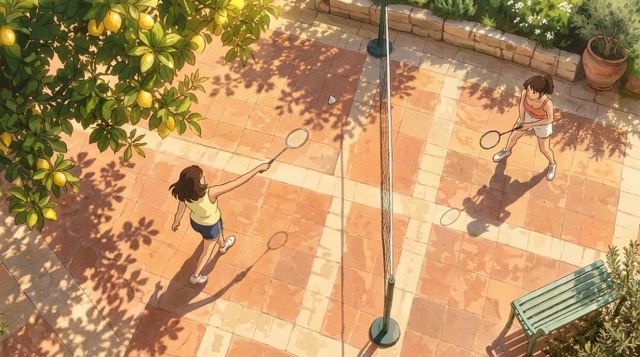
Build a Repeatable Learning Process
Build prompting confidence with the AI prompt library through deliberate practice. Compare AI prompt examples, change one instruction, and evaluate the resulting output. Treat the AI prompt library as a reference while recording what works for your chosen model. Revisit AI prompt examples to improve your vocabulary and make future experiments easier to interpret.
Discover Categories Across the AI prompt library
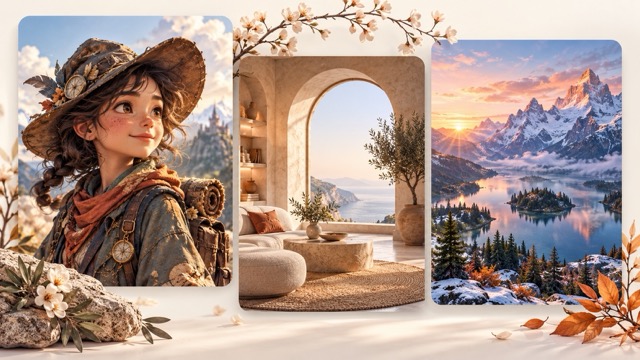
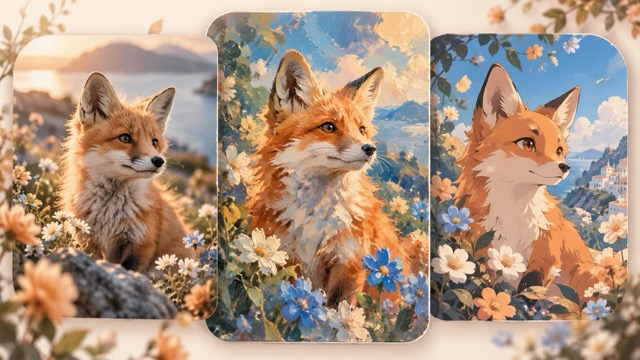
The AI prompt library connects broad creative goals with focused collection pages. Explore AI prompt examples by scenario, category, and theme, then continue into the topic that fits your brief.


AI prompt library FAQs
Understand how the AI prompt library supports discovery and customization. These answers explain how to choose AI prompt examples and adapt them to your creative workflow.
The AI prompt library is a central hub for discovering image and video prompt category pages. It brings scenarios, styles, effects, and themes together so you can find relevant AI prompt examples and continue into a focused collection.
SeeAPI AI prompt library
Find the Prompt That Starts Your Next Idea
Explore AI prompt examples for images and videos. Choose a scenario, discover a visual direction, and make the prompt your own.
AI prompt examples by scenario
AI prompt examples by category
AI prompt examples by theme