Loading workspace...

MAGI-2 Video Prompts: Turn Ideas Into AI Videos

Create MAGI-2 video prompts for cinematic scenes, product ads, animation, and more. Describe your idea or add a reference image, then generate prompt variations to customize and use.

Explore MAGI-2 Video Prompts

Browse the prompt library for creative directions and ideas for your next MAGI-2 video.

No prompts match your search.

How to Use MAGI-2 Video Prompts

Go from a simple idea to a video-ready prompt in four steps.

1

Describe Your Video Idea

Enter the subject, setting, and action in the prompt box. Add details such as camera movement, lighting, and mood. You can also upload a reference image to help communicate the composition or visual direction. Start with the moment you want to see, rather than a long list of unrelated style words.

2

Generate and Review Your Prompts

Select Generate Video Prompts to turn your idea into prompt variations. Read each version and choose the one that best describes the intended subject, motion, and camera. Edit details such as clothing, location, shot size, or lighting so the direction fits your project.

3

Create Your MAGI-2 Video

Copy your chosen prompt and open the MAGI-2 video generator. Select the available input mode and add an image or reference if your idea calls for one. Check the settings and displayed cost, then generate your video. The available controls depend on the selected workflow.

4

Review and Refine

Watch the result against your brief. If the subject, action, or camera differs from your intention, revise that part of the prompt and try again. Keep useful variations so you can compare results and develop a repeatable direction for your next video.

Create Better MAGI-2 Video Prompts for Any Scene

Explore practical ways to shape a scene, direct motion, and refine your video ideas with SeeAPI.

Turn a Rough Idea Into a Clear Video Brief

Start with an idea as simple as a traveler walking through a misty valley. The prompt generator helps expand that thought into a more useful creative brief by organizing the subject, setting, action, camera direction, and atmosphere. MAGI-2 video prompts can be tailored to a quiet character moment, a dramatic reveal, or a close-up product shot. Review each suggestion and keep the details that serve your story. If the result includes an action or camera move you do not want, edit it before generation. A clear brief gives you a practical starting point for testing and comparing different video directions.

Subject + Action + Setting + Camera + Light
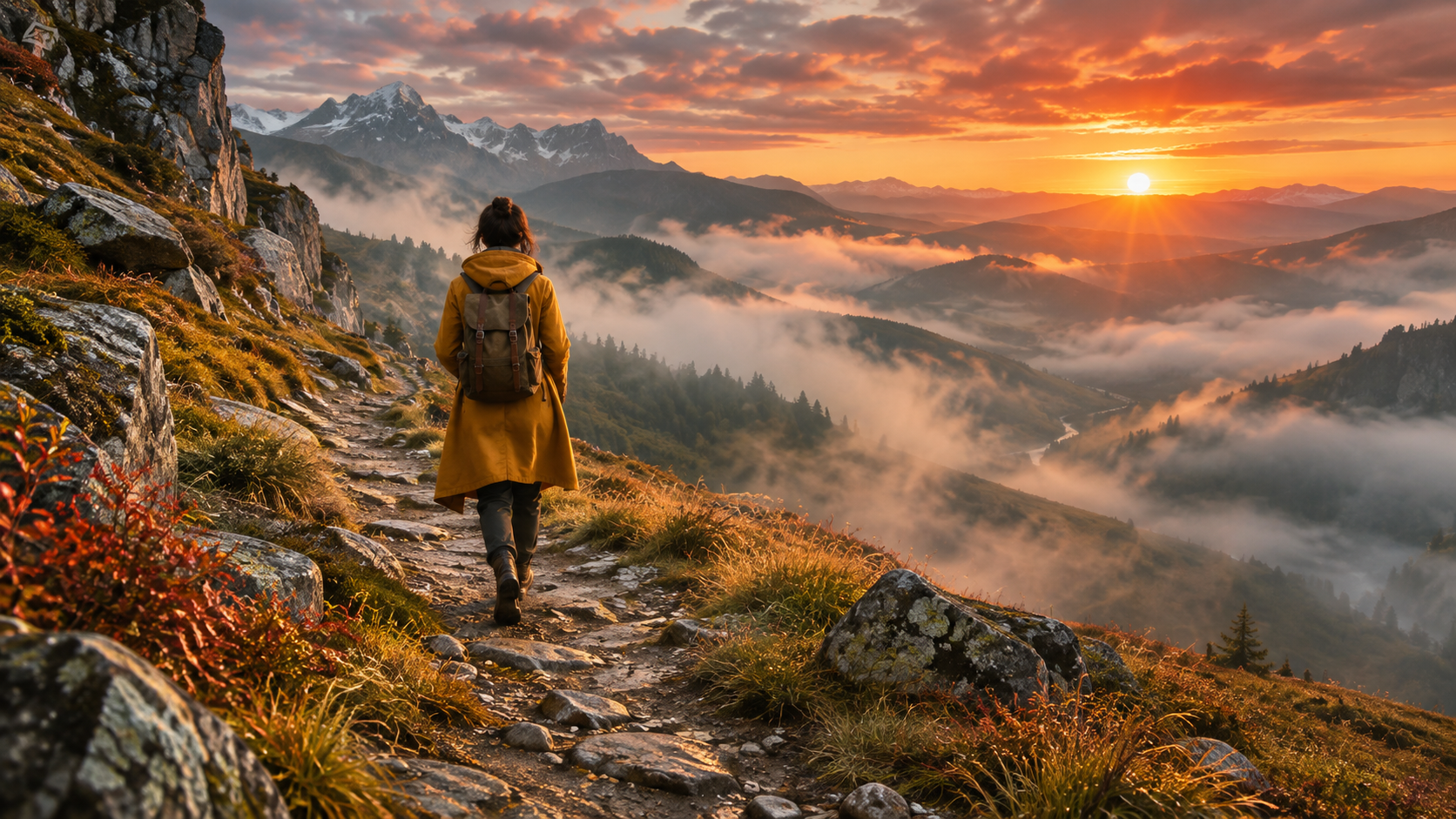
Explore Cinematic MAGI-2 Video Prompts

Explore Cinematic MAGI-2 Video Prompts

Build a scene around one visual beat: “At dawn, a traveler in a mustard coat stops on a mountain path. The camera moves past her shoulder to reveal a valley filled with mist. Warm sunlight breaks through the clouds.” This cinematic video prompt identifies the subject, action, camera, and light. Change the location or mood to create a new direction, or specify a static shot when the landscape should carry the movement. The image is a concept illustration, not a MAGI-2 output.

Develop Product Video Ideas

Develop Product Video Ideas

Use MAGI-2 video prompts to plan product-focused shots with a clear focal point. Try: “Matte black headphones rest on a stone pedestal. A cool highlight travels across the ear cups as the camera slowly arcs around them. Minimal studio lighting and a dark background.” Replace the object, surface, and lighting to suit your campaign. If product shape or packaging matters, consider a reference image and review generated details carefully. The image shown is a concept illustration.

Bring Animation Concepts to Life

Bring Animation Concepts to Life

Animated MAGI-2 video prompts can describe both the scene and the material qualities of an imagined world. For example: “A tiny paper fox walks through a forest of folded leaves and pauses beside a glowing lantern. The camera follows at ground level. Warm amber light and handmade stop-motion textures.” Replace the animal, environment, or visual medium to explore a different style. Keep the main action easy to follow before adding background movement. The accompanying image is a concept illustration.

Guide Motion From a Reference Image

When working from an image, use the prompt to explain what should change and what should stay recognizable. A useful image-to-video prompt might say: “Keep the bottle centered and its shape consistent. Condensation gathers on the glass while a soft highlight moves across it. The camera slowly pushes in.” This separates the visual anchor from the motion you want to add. Use the available image or reference input in the MAGI-2 workspace, and check the generated clip for unwanted changes to the subject, composition, or label.

Keep: subject + composition
Move: action + camera

Iterate on MAGI-2 Video Prompts

A strong prompt is a working creative brief. After each generation, compare the result with your intention: is the subject recognizable, does the action read clearly, and does the camera support the scene? Change one major element at a time so you can see what made a difference. If motion feels crowded, reduce competing actions. If the scene feels static, name a visible movement. If lighting is inconsistent, describe a source and palette instead of stacking adjectives. Save the versions that work, then adapt them for social videos, story concepts, animation, or product campaigns.

Generate → Review → Refine

MAGI-2 Video Prompts FAQ

Answers to common questions about writing and using MAGI-2 video prompts.

MAGI-2 video prompts are written directions for the video you want to create. They can describe a subject, action, setting, camera movement, lighting, and visual style. A prompt may stand alone or accompany a supported image or reference. The more clearly the brief communicates the intended scene, the easier it is to review and revise the result.

MAGI-2 VIDEO PROMPTS

Turn Your Next Idea Into a Video

Bring your next idea to life with MAGI-2 video prompts. Describe your subject, action, camera movement, and visual style, then turn your creative direction into a video with MAGI-2 on SeeAPI. Explore cinematic scenes, product concepts, animation, and more—and refine your prompt until it fits your vision.

Text-to-video ideas
Image-to-video direction
Cinematic and product concepts