AI MODEL DISCOVERY

 Black Forest Labs
Flux Kontext Pro
Generates context-rich, realistic scenes for illustration and storytelling.
Find FLUX AI Models for Precise Visual Changes
PROVIDERS
 Alibaba
 ByteDance
 Google
 Grok
Grok Kling
Kling Lightricks
 MiniMax
 OpenAI
 PixVerse
 Runway
 SeeAPI
 TypeSafe
 Vidu
Vidu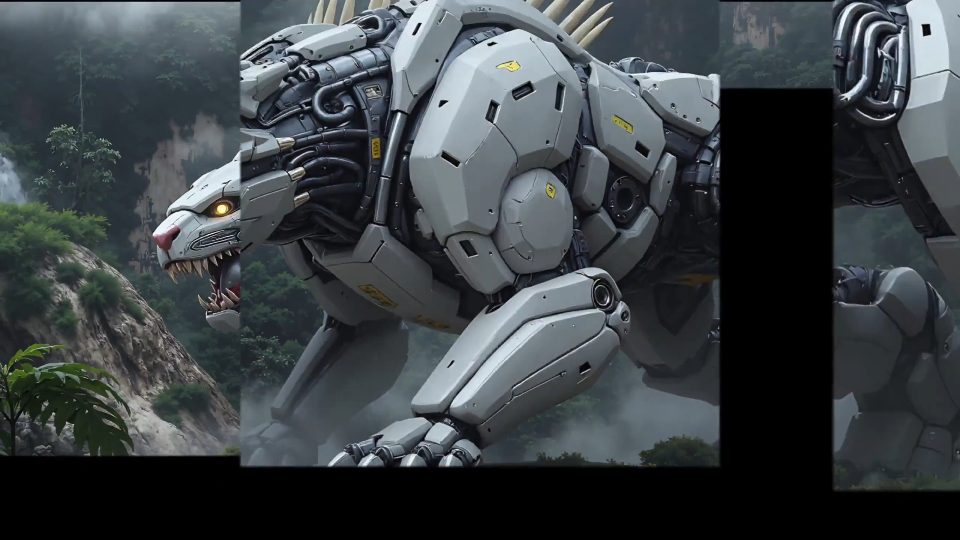
Model release timeline
Work Through a FLUX Kontext Editing Brief
Evaluate FLUX AI Models through reference preservation, Pro and Max comparisons, recurring subjects, and deliberate changes of style.

Define What Kontext Should Preserve
For reference-led work with FLUX AI Models, start a Kontext edit with a source image and a specific change. Separate the requested transformation from the details already approved, such as product shape, portrait identity, or camera angle. Check both the edited area and the rest of the image afterward. A better atmosphere is useful only if the visual information you needed to preserve remains reliable.


Think in Edits, References, and Visual Continuity
FLUX AI Models belong to the Black Forest Labs family of visual models. This SeeAPI catalog helps you find published image-generation and editing options, with particular attention to Kontext workflows. The practical question is not simply whether an image looks attractive: it is whether you can change the part you intend while keeping the subject, composition, and visual story useful.

Start with a Kontext Reference
A reference image carries information that would take many words to describe: the subject's shape, the direction of the light, the relationship between objects, and the overall composition. Within FLUX AI Models, explore Kontext editing when that information should guide the next image. Instead of describing the entire scene again, write a focused instruction about the change you want and identify the parts that should remain recognizable.

Compare Kontext Pro and Max
Kontext Pro and Kontext Max are distinct options. Choosing between them should begin with the demands of the asset, not with an assumption that every project needs the same tier. A quick concept and a final product visual need different acceptance criteria when comparing FLUX AI Models. Before comparing options, decide which details will be visible at the actual placement size and which details are essential to the brief.

Keep a Recurring Subject Recognizable
A recurring subject needs more than a similar color palette. Viewers recognize a character through facial proportions, hair, clothing details, and characteristic shapes. They recognize a product through geometry, packaging, and branding. When you use FLUX AI Models for a sequence of edits, write down those identity cues before changing the scene. That list becomes the continuity standard against which each output is checked.

Change Style with a Clear Purpose
Style is most useful when it serves an output. A storyboard frame may need readable silhouettes and clear staging; a lifestyle image may need plausible light and materials; an editorial illustration may need a deliberate graphic treatment. Before a style transformation with FLUX AI Models, decide which information the image must still communicate. Otherwise, a visually striking result can become less useful for its intended role.
A Controlled Kontext Editing Loop
Organize a session with FLUX AI Models around one reference, one deliberate change, and a repeatable review. This keeps the creative decision visible even when you explore several outputs.
Choose the Reference
Prepare a reference for FLUX AI Models that already communicates the subject clearly. Check its framing, visible details, and suitability for the planned edit. Note the product features or character traits that must survive. If the starting image is ambiguous, improve that reference first instead of asking a later edit to repair several unrelated problems.
Specify the Transformation
Describe the intended change in plain language and identify what should stay fixed. Keep a background replacement separate from a pose change or a major restyling request. Confirm that the selected Kontext entry accepts your input, and use the controls shown in its documentation rather than assuming that another image tool's settings apply.
Compare Against the Original
Review edits from FLUX AI Models beside the approved reference, checking both the requested change and the preserved details. Check text, edges, small objects, and the subject's identity. Keep the prompt and accepted output together. If another revision is needed, change one instruction so that the next result teaches you something specific.
FLUX AI Models and Kontext Editing FAQ
Answers for creators choosing a model, preparing references, and reviewing image edits in a practical production workflow.
FLUX is a family of visual models developed by Black Forest Labs. This page organizes the options published in SeeAPI's catalog, including Kontext image workflows where available. The developer of a model is different from the platform through which you access it, so this page should be read as a SeeAPI catalog rather than an official Black Forest Labs application. Open the model card for its current documentation, supported inputs, and the next step available on this platform.