AI MODEL DISCOVERY
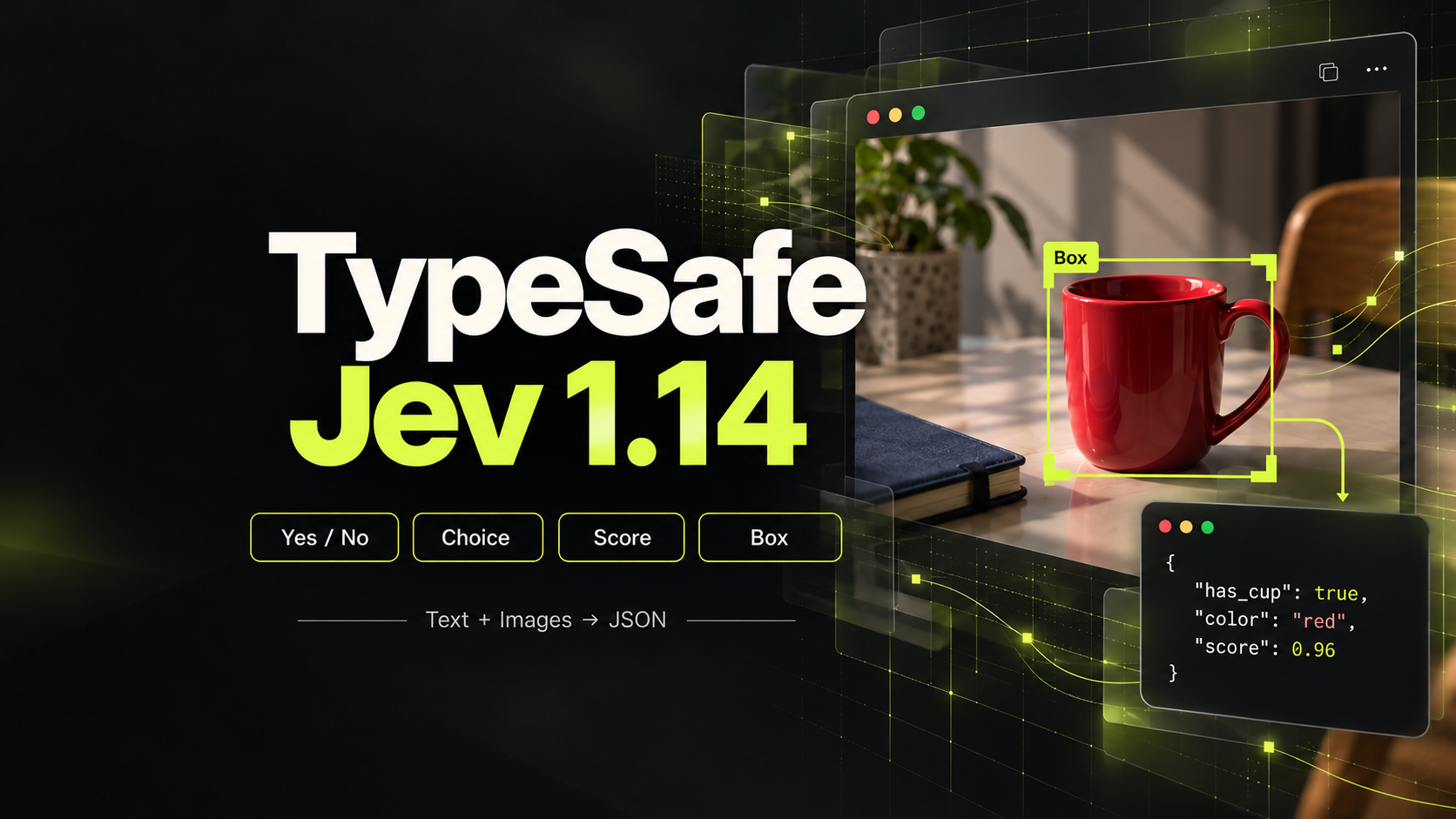
 TypeSafe
TypeSafe Jev 1.14
Structured multimodal decisions from text, JSON, and inline images.
Choose a Text to Image API for Your Visual Ideas
PROVIDERS
 Kling
Kling Lightricks
 MiniMax
 PixVerse
 Runway
 SeeAPI
 Vidu
Vidu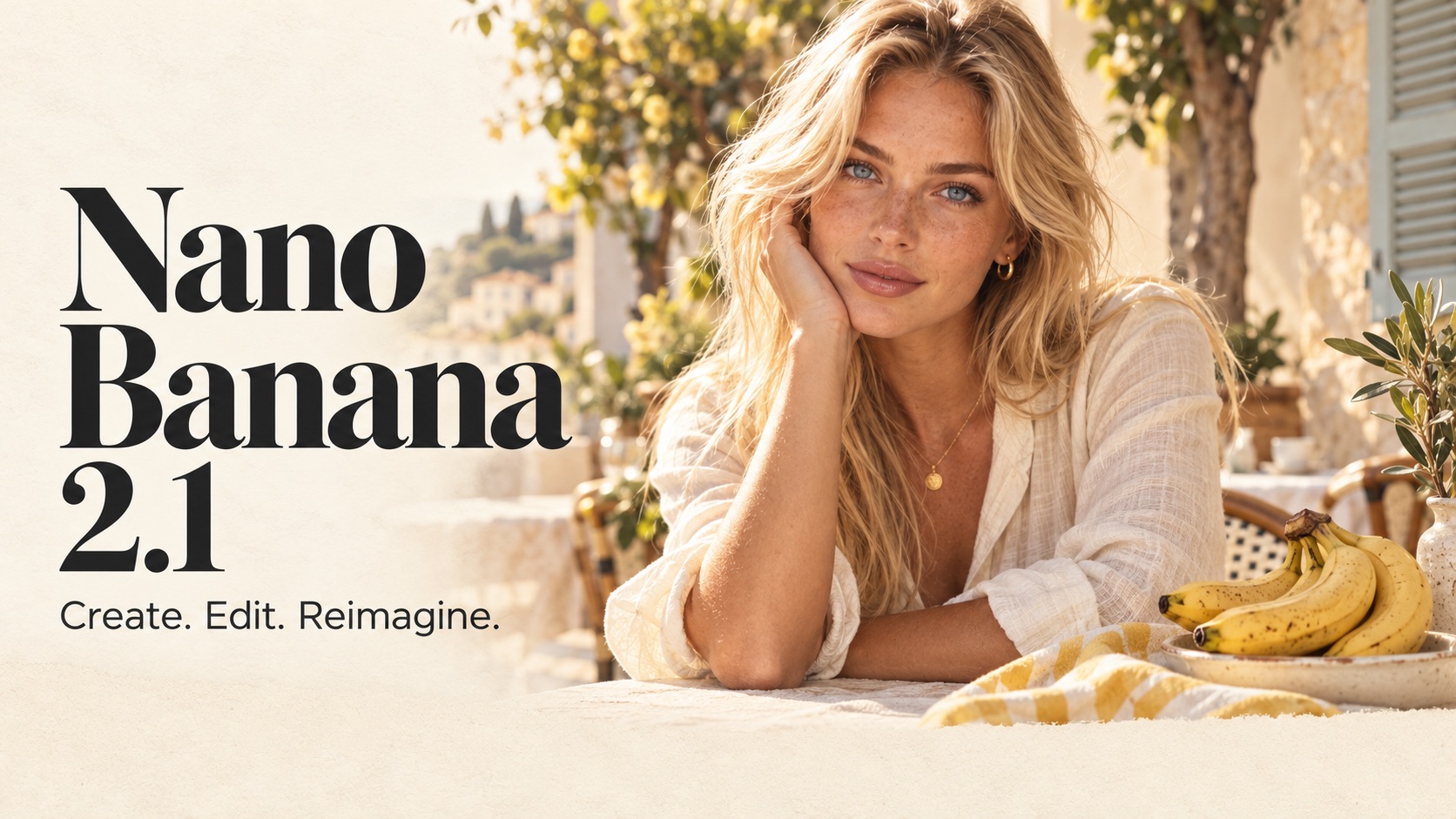









Model release timeline
Nano Banana 2.1
GoogleGenerate and edit images at 1K, 2K, or 4K with up to 10 reference images.
FLUX 3 Klein
Black Forest LabsBlack Forest Labs' FLUX 3 Klein model for high-quality text-to-image generation and reference-based image editing.
Qwen Image 2.1
AlibabaAlibaba's Qwen Image 2.1 model for high-quality text-to-image generation and reference-based image editing.
GPT Images 2.5 Sunburst
OpenAIPrecision-focused image generation and editing for premium visual work and intricate detail.
GPT Images 2.5 Flare
OpenAIFast, high-quality image generation and precise editing from OpenAI.
Seedream 5.0 Pro
ByteDanceByteDance's professional multimodal image model for controlled generation and precision editing
Nano Banana 2 Lite
GoogleFast 1K image generation and lightweight image editing powered by Google
Wan 2.7 Image
AlibabaAlibaba's Wan2.7-Image unifies generation and editing. Capabilities include T2I, image editing, text rendering, and multi-image workflows. Outputs: 2K (Standard) / 4K T2I (Pro).
GPT Image 2
OpenAINext-generation AI image creation by OpenAI with superior quality
Seedream 5.0 Lite
ByteDanceByteDance's unified multimodal image generation model with reasoning, deep understanding, and controllable visual creation
Start with the Image Your Product Needs
A Text to Image API turns a written description into a new still image. Browse SeeAPI's text to image models for concepts, product scenes and other visual workflows, then compare the documented controls that fit your application. Define composition, subject and intended use before choosing a model.
Build a Clear Visual Brief
Describe the subject, setting, framing and style. For a product banner, specify space for the final layout rather than filling every part of the image with detail. Keep essential requirements separate from optional decorative elements.
Compare Details That Matter
Evaluate the same brief across suitable configurations. Check object structure, texture, composition and any requested lettering at the size your application will display. Text rendering should be reviewed character by character when wording is important.
Plan the Next Production Step
A new image may become a reference for a variation, an input for an edit or the first frame of a video. Keep the approved source and its settings. Choose the next task deliberately instead of assuming every image-generation endpoint also edits or animates.
Turn a Prompt into a Reusable Image Workflow
Use the published model documentation to turn your requirements into a supported request.
Specify the Deliverable
Choose a clear subject and layout goal. Note where the image will appear and which details must survive review.
Select a Documented Configuration
Check supported aspect ratios, dimensions and other controls in the chosen endpoint. Review the relevant API price before testing.
Review and Refine
Inspect the output against the brief, including text and small details. Change one requirement at a time so revisions remain interpretable.
Text to Image API: Common Questions
Clarify the workflow before choosing a model.
Text to image creates a new image from a written brief. Editing uses an existing image as source material for a change. Choose based on whether you already have approved visual information to preserve.