AI MODEL DISCOVERY
 TypeSafe
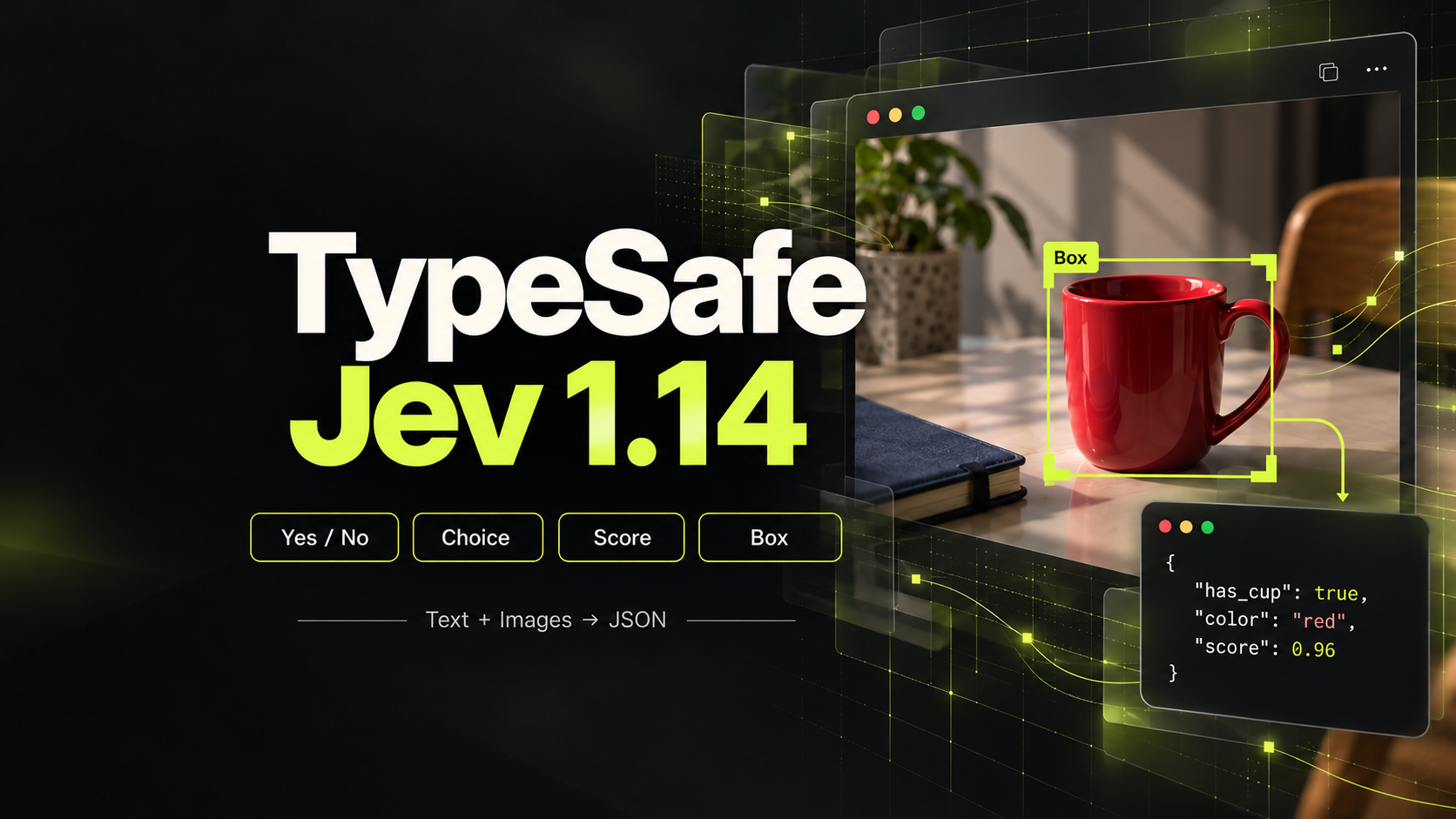
TypeSafe Jev 1.14
Structured multimodal decisions from text, JSON, and inline images.
Choose an Image to Video API That Fits Your Image
PROVIDERS
 Black Forest Labs
 Grok
Grok Kling
Kling Lightricks
 OpenAI
 Runway
 SeeAPI












Model release timeline
Vidu Q4
ViduVidu Q4 preview video generation with image or multi-reference guidance, audio, up to 16 seconds, and up to 4K output.
MiniMax H3 Max 16-bit Pixel
MiniMaxGenerate 5–15 second 16-bit pixel-art videos with audio at 768P from text or a first-frame image.
Wan 3.0 Prime
AlibabaAlibaba Wan 3.0 Prime video generation with text, image, video, audio, document, and webpage references.
Wan 3.0
AlibabaAlibaba Wan 3.0 video generation with text, image, video, audio, document, and webpage references.
MiniMax H3 Max Turbo
MiniMaxGenerate 5–15 second videos from text or images at 480P, 768P, or 1080P.
Gemini Omni Flash 1.1
GoogleGemini Omni Flash 1.1 video generation with image, video, audio, and character references.
Seedance 2.5
ByteDanceByteDance's next-generation video model for long-form storytelling with up to 50 multimodal references
MiniMax H3
MiniMaxMiniMax H3 (Hailuo 03) multimodal native-audio video generation with output up to 2K.
Seedance 2.0 Mini
ByteDanceByteDance's cost-efficient Seedance 2.0 video model for faster generation and lower inference costs
Seedance 2.0 Fast
ByteDanceFast & affordable multi-modal video with text, image, video & audio inputs up to 720p
Give an Approved Image a Clear Next Action
An Image to Video API starts with visual information you already have: a product shot, character frame or scene composition. Explore image to video models that fit the source asset, then use their documentation to plan motion and output settings. The useful question is what should move, what should remain recognizable and how the shot should end.
Prepare the Starting Frame
Choose an image with a clear subject, useful framing and enough space for the intended motion. A tightly cropped object can make a large movement difficult to communicate. Review text, hands and fine product details before animation so source-image defects do not become part of the moving scene.
Separate Subject Motion from Camera Motion
Describe the action and camera behavior separately. A person turning toward the camera is different from a camera orbiting a stationary person. Begin with one main movement, then inspect whether the model preserves the subject while delivering the action.
Check Reference and Frame Controls
An image animation API may accept a starting frame, additional references or an ending frame, depending on the endpoint. These inputs serve different roles. Read the model's supported mode before preparing several assets or assuming a reference will be used as an exact final frame.
Build a Reference-Led Video Request
Keep the original asset alongside each result so visual continuity remains part of your review.
Choose the Source Asset
Use an approved image you are authorized to process. Note the subject details and composition that should remain consistent.
Specify the Movement
Describe one action and the intended camera behavior. Select documented duration and output options suited to where the clip will appear.
Inspect the Full Animation
Check the opening, middle and ending frames for distortion, drift and usable framing. Compare results against the source, not only against other generated clips.
Image to Video API: Questions Before You Integrate
Practical answers for choosing a model and preparing your first request.
The input image gives the model an existing visual starting point or reference. The prompt then directs movement and scene behavior. Text to video leaves more of the initial appearance to the model, while image-led generation is useful when a visual has already been approved.