AI MODEL DISCOVERY
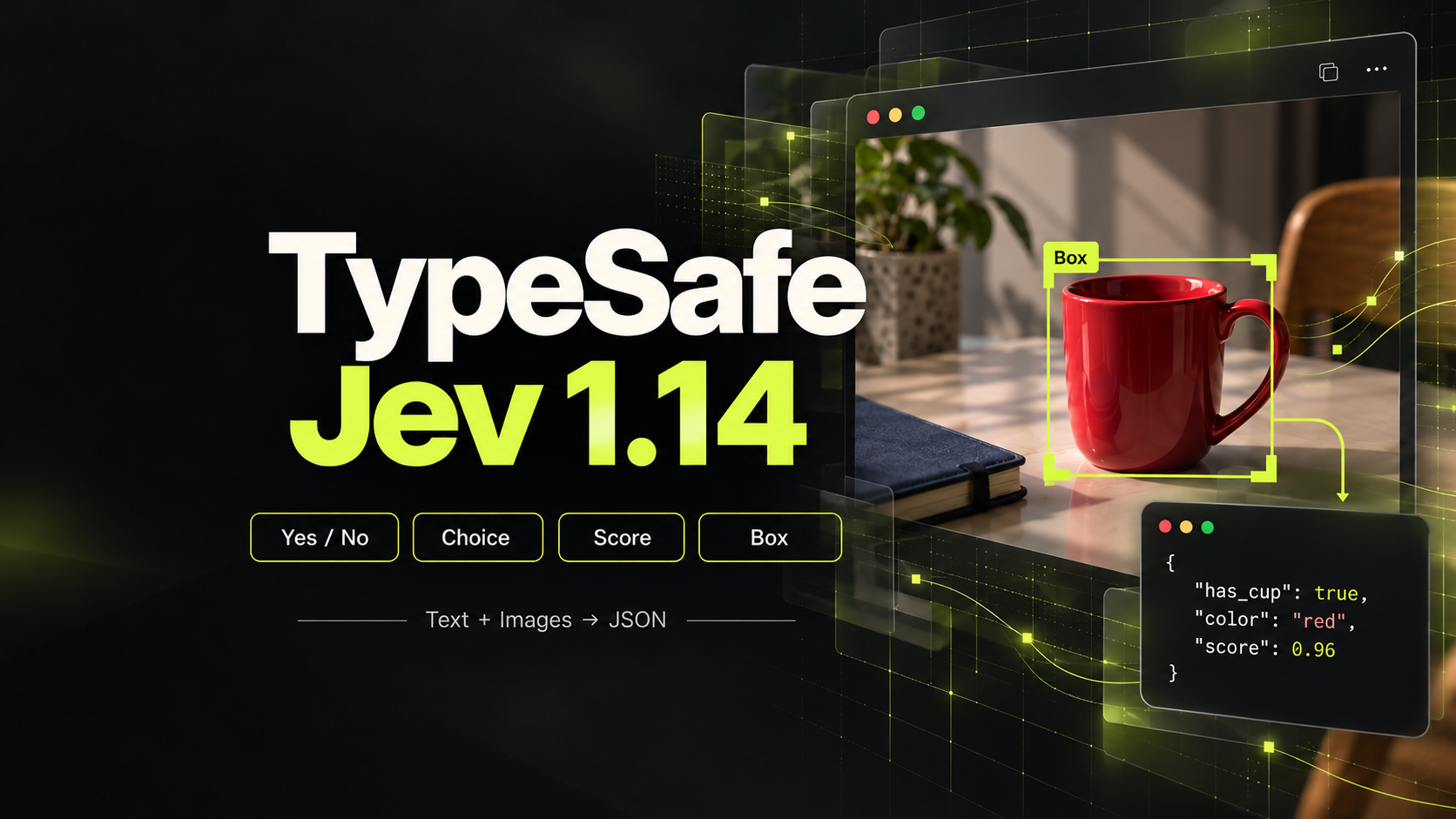
 TypeSafe
TypeSafe Jev 1.14
Structured multimodal decisions from text, JSON, and inline images.
Find a Video to Video API for Your Existing Footage
PROVIDERS
 Black Forest Labs
 Grok
Grok Kling
Kling Lightricks
 OpenAI
 Runway
 SeeAPI
 Vidu
Vidu















Model release timeline
Wan 3.0 Prime
AlibabaAlibaba Wan 3.0 Prime video generation with text, image, video, audio, document, and webpage references.
Wan 3.0
AlibabaAlibaba Wan 3.0 video generation with text, image, video, audio, document, and webpage references.
Gemini Omni Flash 1.1
GoogleGemini Omni Flash 1.1 video generation with image, video, audio, and character references.
Seedance 2.5
ByteDanceByteDance's next-generation video model for long-form storytelling with up to 50 multimodal references
MiniMax H3
MiniMaxMiniMax H3 (Hailuo 03) multimodal native-audio video generation with output up to 2K.
Seedance 2.0 Mini
ByteDanceByteDance's cost-efficient Seedance 2.0 video model for faster generation and lower inference costs
Seedance 2.0 Fast
ByteDanceFast & affordable multi-modal video with text, image, video & audio inputs up to 720p
Wan 2.7
AlibabaAlibaba's Wan 2.7 Video API supports full-modality inputs (text, image, video, audio) for four modes (T2V, I2V, Reference2V, Edit), delivering 720P–1080P outputs.
HappyHorse 1.0
AlibabaHappyHorse Video supports text-to-video, image-to-video, reference-to-video and video editing, delivering 720P–1080P outputs up to 15 seconds.
PixVerse V6
PixVersePixVerse V6 cinematic video generation with transitions, references, video extension, and native audio.
Choose How Your Source Video Should Guide the Result
A Video to Video API uses an existing clip to guide a new video result. On SeeAPI, this category includes video-reference generation, supported editing modes and video extension. These are different jobs: choose the relationship you need between source and output before comparing model names.
Use Footage as a Reference
Reference-led generation can use a source clip to guide a new scene. Describe which visual or motion cues matter, then check what the selected endpoint actually accepts. A reference is not necessarily a frame-by-frame editing instruction.
Change or Continue an Existing Scene
Editing asks for a transformation; extension asks what happens next. For a continuation, review the joining point and subject continuity. For an edit, compare the result with the original and identify unintended changes outside the requested transformation.
Prepare for Model-Specific Limits
Source duration, file format, resolution and allowed reference combinations can differ. Read those requirements before preparing a large asset library. Compare prices for the actual operation and output configuration, not just the model family.
Match the Operation to the Footage
Use the published model documentation to turn your requirements into a supported request.
Define the Relationship
Decide whether you need reference-led generation, an edit or a continuation. Write down which source details should carry into the result.
Check Input Requirements
Open a matching endpoint and verify supported video inputs, limits and output controls. Prepare a source clip you are authorized to use.
Review Continuity
Inspect the result over time, including any joining point. Check recognizable subjects, motion and the requested transformation against the source.
Video to Video API: Common Questions
Clarify the workflow before choosing a model.
No. The category groups models that accept video for at least one relevant workflow. Use the endpoint documentation to distinguish reference generation, editing and extension before choosing a model.