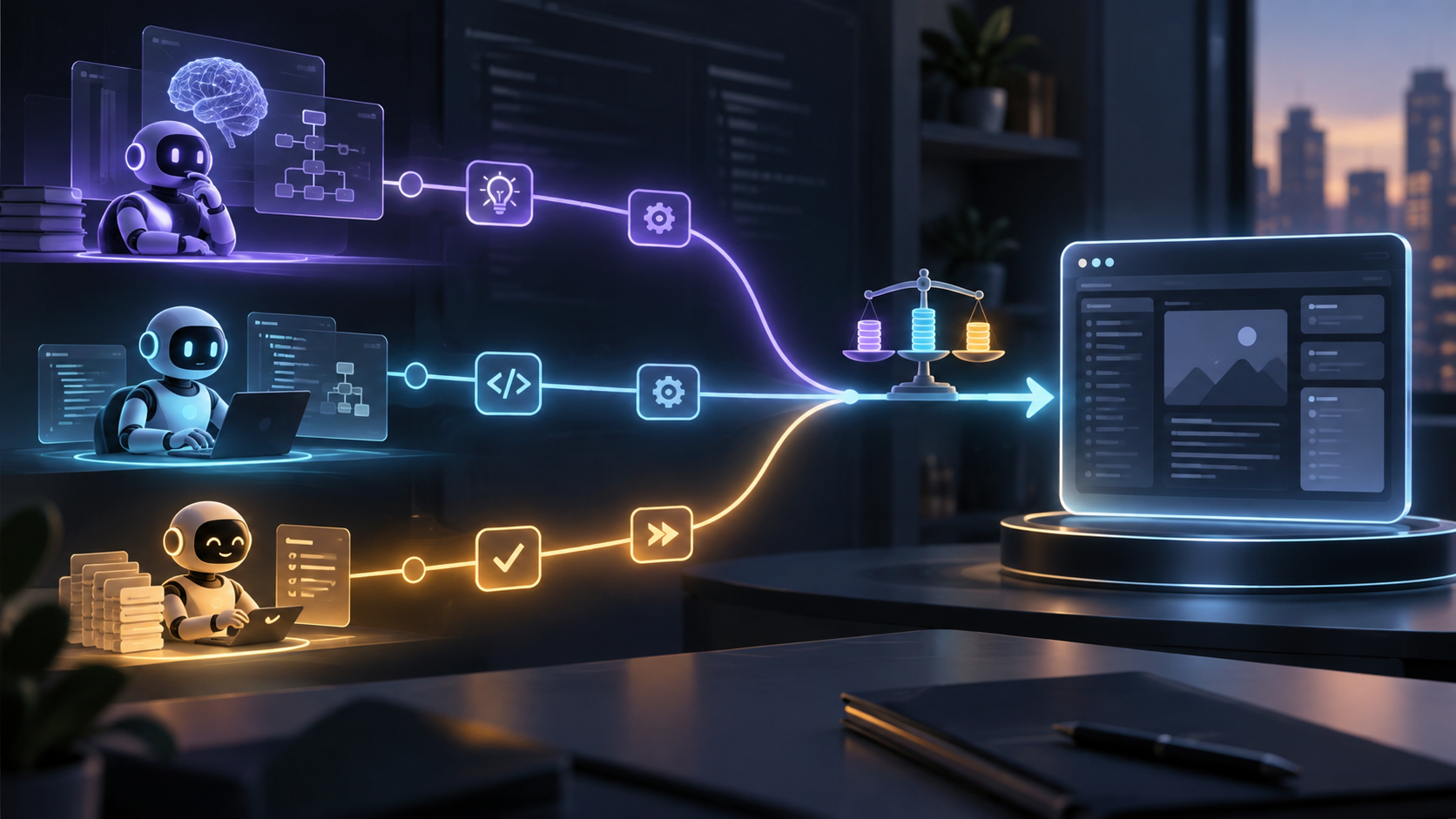
Imagine asking an AI assistant: “Find our latest product details, write a launch post, and generate a matching image.”
Writing the text is only part of the job. The assistant also needs access to your product information and an image generation service. Something has to connect those pieces.
That is where APIs and MCP come in.
The key to understanding MCP vs API is that they solve different parts of the integration problem. An API gives software access to a capability. MCP gives AI applications a shared way to discover and use external tools and context. They can work together within the same task.
What Is an API?
API stands for Application Programming Interface. It defines how one piece of software can interact with another. This article focuses on web APIs, which let applications request data or actions from services over a network. AWS’s API explainer describes this basic relationship.
Think of a restaurant’s ordering system. It specifies what you can request, which details you must provide, and what you receive back.
A weather API might accept a city and return its forecast. An image generation API might accept a description and return a generated image or a job identifier for retrieving it later.
Developers build the connection: format the request, supply credentials, handle errors, and process the response.
For a product with a “Generate Image” button, that can be enough. The application already knows which service to call and what information to send.
What Is MCP?
MCP stands for Model Context Protocol. It is an open standard for connecting AI applications to external systems. The official MCP introduction compares it to a standardized connection port.
Extending the restaurant analogy, imagine every restaurant presenting its menu and accepting orders through the same format. An assistant would have a consistent way to ask what is available and submit a request, even though each kitchen works differently.
That is the kind of consistency MCP provides for AI integrations.
An MCP server can expose three main kinds of capabilities:
Tools: Actions such as searching documents or generating an image.
Resources: Context such as a file’s contents or database information.
Prompts: Reusable templates for common interactions.
The AI application connects through an MCP client. A server can call an existing API, query a database, or work with local files. These roles are explained in the MCP architecture documentation.
MCP itself does not reason about your request. The model and surrounding application still decide how to use the available capabilities.
MCP vs API at a Glance
Question | API | MCP |
|---|---|---|
What is it? | A broad concept: an interface to software capabilities | A specific protocol for AI integrations |
What does it provide? | Access to service operations and data | A common way to expose and discover tools, resources, and prompts |
How does integration work? | Code follows the service’s interface | A compatible client communicates with an MCP server |
Can an AI agent use it? | Yes, through tools or other application code | Yes, through an MCP integration |
Where does it fit? | Websites, apps, backend services, and agents | Connecting AI applications to external capabilities |
APIs can also have machine-readable descriptions. For example, OpenAPI describes HTTP APIs in a standard format. MCP adds a shared interaction protocol for AI applications; describing capabilities is not exclusive to MCP.
How They Work Together: An AI Marketing Assistant
Consider the launch-post request from the introduction. Here is an illustrative implementation.
First, the application makes relevant tools available to the model. Through MCP, these could include search_product_docs and generate_image, each with a description and defined inputs.
Next, the model requests a product search. The application routes that request to the appropriate MCP server and returns the results to the model.
Using those details, the model drafts the post and requests an image. The image tool’s MCP server translates that request into a call to an image generation API.
The result travels back to the assistant, which presents the draft and image for review.
The image-generation path looks like this:
AI application → MCP server → image generation API → result back to the application
This illustrates MCP’s role as a common tool interface, while the underlying API supplies the image generation capability. The protocol defines tool discovery and invocation through operations such as tools/list and tools/call. MCP’s tool specification documents that exchange.
Do AI Agents Need MCP?
No. An AI agent can use APIs without MCP.
With function calling, developers describe tools to a model. The model can request a tool and provide arguments; application code executes it and sends the result back. That code can call an API directly. Anthropic’s tool-use documentation explains this pattern.
For the marketing assistant, a developer could implement both functions directly inside the application. The user-facing experience could be similar.
MCP becomes useful when the same capabilities need to work across several compatible AI applications. A shared server can reduce repeated integration work, although credentials, permissions, and client compatibility still need attention.
When Should You Use Each?
As a practical design rule, start with direct API integration when the workflow is clear and contained: one application, a small set of services, and predictable operations. A summarization button or image generation form may fit this pattern well.
Consider MCP when reusable access across AI applications matters. Examples include making an internal knowledge base available to several assistants or exposing a collection of business tools through one consistent interface.
Use both when an agent needs shared tools backed by existing services. An MCP server can expose a useful action while an API performs the underlying work.
Your MCP vs API decision should follow the integration you need to build. APIs remain central to delivering AI capabilities, while MCP offers a common way to bring external capabilities into an agent’s workflow. Understanding those separate roles makes it easier to choose the right architecture.